
Top AI Logo Generators for 2026
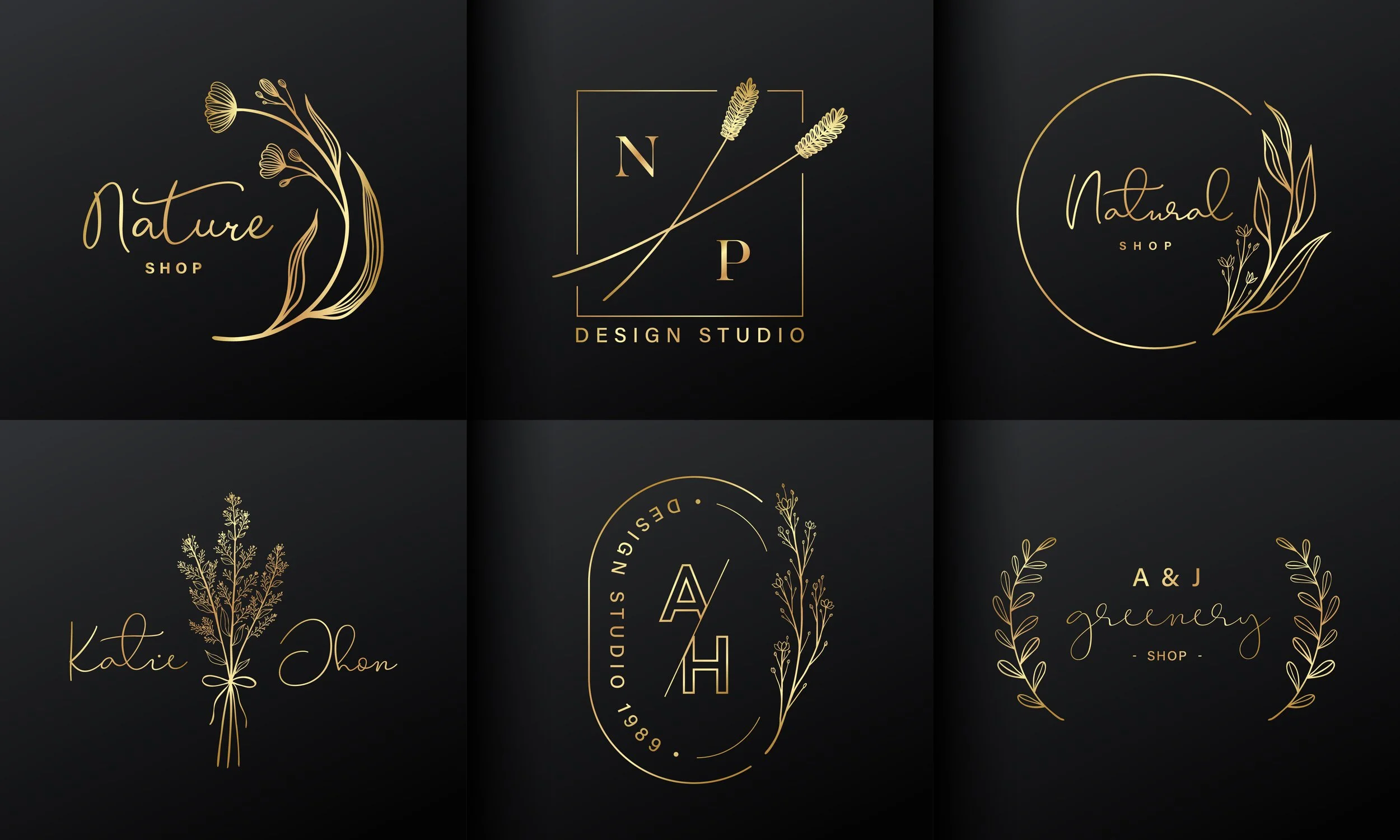
AI logo generators have democratized brand building. They have made it easy even for entrepreneurs and startup founders with a limited budget to launch their brand without the additional expense of hiring a design agency.
But with so many platforms competing for attention, picking the right one is not as easy as choosing the tool that ranks highest on Google. Features differ significantly. Pricing is not always transparent. And a platform that works well for a lifestyle brand may be a poor fit for a fintech startup.
That is why we created a scoring framework before making any recommendations. It is built around five criteria, each weighted according to how much it truly matters when building a brand from scratch.
Scoring Methodology
Before we do a deep dive into each tool, here’s a breakdown of our scoring system and criteria:
Output quality (30%) - Visual polish, font pairing, icon relevance, color harmony
Customization depth (25%) - Control over colors, fonts, layout, icon library size
Ease of use (20%) - Onboarding speed, prompt clarity, UI intuitiveness
Pricing and value (15%) - Free tier quality, paid plan cost vs. output quality
Export and file options (10%) - SVG, PNG, PDF availability; transparent backgrounds; brand kit access
Testing note: All tools were accessed via their standard consumer interfaces. Prompts were identical across all tools.
Full Results Table: All Tools Scored
| Tool | Output Quality (/30) | Customization (/25) | Ease of Use (/20) | Pricing (/15) | Exports (/10) | Total Score |
|---|---|---|---|---|---|---|
| Design.com | 30 | 25 | 20 | 15 | 10 | 100 |
| BrandCrowd | 28 | 25 | 20 | 15 | 10 | 98 |
| Turbologo | 24 | 20 | 17 | 12 | 8 | 81 |
| Wix Logo Maker | 22 | 18 | 18 | 11 | 7 | 76 |
| Canva | 21 | 17 | 19 | 13 | 7 | 77 |
| Adobe Express | 23 | 19 | 14 | 9 | 9 | 74 |
| Hatchful (Shopify) | 18 | 13 | 17 | 14 | 6 | 68 |
| Namecheap Logo Maker | 17 | 12 | 16 | 13 | 6 | 64 |
Top 5 Tools: Score Breakdowns
#1 — Design.com

Rated 4.7 on Trustpilot by more than 3,000 verified users, Design.com has earned its claim as the #1 logo company in the world. And the platform's feature set makes that claim easy to defend. From an industry-leading asset library to a suite of AI design tools that extend far beyond the logo itself, it is built to serve businesses at every stage of growth.
World's largest logo library
Design.com’s AI logo generator offers over 400,000 logo templates and more than 1 million total design assets (the largest library of any platform tested). Spanning every visual style from minimalist wordmarks to vintage emblems and mascot logos, it covers virtually every industry and brand aesthetic. The library also includes over 62,000 custom vector shapes and more than 750 fonts, giving users a genuinely unique design foundation.
For each of our fictional brands during testing, we got logos that would work well for its niche. It even gave us logo colors often associated with their particular industries.
Lightning-fast AI logo creation
Design.com's AI logo generator turns a business name and a few style preferences into thousands of professional logo options in seconds (for our fictional companies, each brand got over 9,000 logos to choose from!). Every design in the library is created by professional designers and is market-ready from the moment it's generated. You can rest assured that quality is built in, not an afterthought. Because all logos are exclusive to Design.com, you won't find your brand identity duplicated on a competitor's website.
Advanced AI editing and customization
If you do need to customize your design further, Design.com offers an AI-powered editing layer. You can edit logo icons and text using AI, request changes through a simple chat interface, and rely on a custom-trained AI model to ensure every modification remains copyright safe. This built-in editor supports full adjustments to colors, fonts, icons, and layout. Files also export in an extensive range of formats:
Vector: SVG, EPS, PDF
Raster: PNG, JPG
Animated: GIF, MP4
Transparent background and icon-only options included
All-in-One AI branding platform
Beyond the logo, Design.com provides 50+ design and branding tools that automatically inherit your logo's colors for seamless brand consistency:
AI website builder: Generate a mobile-ready website aligned with your brand
AI business cards: Digital and print-ready, auto-styled to your logo
AI flyers & posters: Professional marketing materials in minutes
AI presentations: Slide decks that match your brand colors and fonts
Social media posts & stories: Templates for every major platform
QR codes, letterheads, menus, and more
Domain registration: Register your domain alongside your logo
Printing: Business cards, apparel, mugs, mousepads (you can even enjoy free delivery!)
Pricing
Free: Templates marked “Free” are genuinely free to customize and download; it also gives you access to a free website builder, free link in bio, and free digital business cards
Starter: From $3/month — includes high-res and vector logo files, unlimited logo changes, business cards, social media templates, email signature, letterheads, and 50+ design tools
Value: From $4/month — everything in Starter, plus a full website
Premium: From $5/month — everything in Value, plus Link in Bio and digital business cards
Best value for: Founders and small business owners who want a complete brand identity suite at a fraction of agency cost
Best For
Startups building a full brand identity from scratch
Small business owners who need consistent branding across print, digital, and social
Anyone who wants professional-grade results without design skills or a designer's budget
Verdict
Design.com delivers the most complete, most capable AI branding platform available in 2026. Its key features discussed above set the benchmark that every other tool in this list is measured against.
Weighted Score Breakdown:
Output Quality: 30/30
Customization: 25/25
Ease of Use: 20/20
Pricing: 15/15
Exports: 10/10
#2 — BrandCrowd
BrandCrowd holds the highest user satisfaction score of any platform on this list with a 4.8 Trustpilot rating from over 9,000 verified reviews. The platform delivers a seamless experience from first prompt to final download, combining a vast library of professionally designed templates with AI tools that make the entire process feel effortless.
Extensive library of exclusive designs
BrandCrowd's AI logo maker draws from a library of over 380,000 logo templates and more than 1 million total design assets, all created by professional designers and exclusive to the platform. The library spans every industry and visual style, and is supported by over 750 fonts (including 525+ exclusive) and more than 62,000 custom vector shapes. Every design is checked for originality and is 100% commercially safe to use.
We were able to generate logos of different styles, suiting the most serious of niches to the most playful ones. We were also impressed with the number of designs (over 9,000!) generated within seconds.
Smart AI logo generation
Enter your business name, select your industry and style preferences, and BrandCrowd's AI surfaces a curated set of highly relevant logo concepts within seconds. Because every template in the library is professionally crafted before the AI ever touches it, the quality baseline is consistently high, even on the very first generation. The platform also includes an AI business name generator and AI background remover to support the broader brand-building process.
Intuitive AI editing tools
BrandCrowd gives users full control over their logo through a clean, beginner-friendly editor with no design skills required. AI-assisted editing allows changes to logo icons and text via a simple chat interface, with a custom-trained AI ensuring all edits remain copyright safe. The full range of export formats ensures your assets are ready for any application:
Vector: SVG, EPS, PDF
Raster: PNG, JPG
Animated: GIF, MP4
Transparent background and icon-only options included
Complete brand identity suite
Once your logo is ready, BrandCrowd automatically applies your brand colors across 50+ design tools and templates, keeping your identity consistent everywhere it appears:
Websites
Business cards
Social media posts and stories
Presentations, flyers, posters, letterheads, menus, and more
Domain registration
Printing: Business cards, apparel, mugs, mousepads, with free delivery
Voting poll: Share logo options with colleagues or clients and collect feedback
Pricing
Free: Free logo downloads include access to a free website builder, free link in bio, and free digital business cards
Starter: From $3/month. Includes high-res and vector logo files, unlimited logo changes, business cards, social media templates, email signature, letterheads, and 50+ design tools
Value: From $4/month. Everything in Starter, plus a full website
Premium: From $5/month. Everything in Value, plus Link in Bio and digital business card
Best For
Business owners who want the highest-rated logo maker experience on the market
Non-designers who need professional results with minimal learning curve
Founders who want consistent branding across social, print, and digital from day one
Verdict
BrandCrowd earns its place as the second-highest scoring tool in this ranking through a combination of exceptional user satisfaction, a vast library of exclusive professional designs, and a brand suite that covers every touchpoint a growing business needs. If Design.com is the most feature-complete platform, BrandCrowd is the most loved, and for most users, that's a distinction worth paying attention to.
Weighted Score Breakdown:
Output Quality: 28/30
Customization: 25/25
Ease of Use: 20/20
Pricing: 15/15
Exports: 10/10
#3 — Turbologo
Turbologo has built a loyal following among solo founders and budget-conscious entrepreneurs, and it is easy to see why. The platform prioritizes speed above everything else. From the moment you enter your business name and industry, the AI surfaces dozens of logo concepts in under 60 seconds. For anyone who needs to move from idea to brand identity without a long setup process, that speed is genuinely valuable.
With over 3 million icons in its library and a one-time pricing model that avoids recurring subscription fees, Turbologo positions itself as the practical alternative to the more feature-heavy platforms on this list.
AI logo generation
Enter your company name, select up to three color palettes, and choose up to five icon styles to guide the AI. Within seconds, the platform generates a range of logo concepts based on your inputs. The library draws from over 3 million icons, with new designs added regularly, and the AI generates fresh combinations rather than pulling from a static template bank.
However, as many as it was able to generate, the logo samples looked quite generic. We noticed that some of the logos follow a pre-set template, so it’s still up to the individual user to tweak and refine the logo until they have something uniquely theirs.
Customization editor
Once a concept is selected, the visual editor allows changes to fonts, colors, icon styles, layout, letter spacing, and element sizing. Users can swap icons from the full library, preview designs on mockups including business cards, t-shirts, and signage, and re-download updated versions as many times as needed under Standard or Business plans. This would need some level of design experience if you want something useful.
Brand kit
Turbologo's brand kit includes:
High-resolution PNG and JPEG files
Vector files: SVG and PDF
Social media kit, sized for major platforms
Business card designs
Brand guidelines with font and color references
Favicon
Pricing
Free Preview: Browse and customize logos at no cost; no download without payment
Lite: One-time payment from $19.99. Includes high-res PNG and JPG logo files
Standard: One-time payment from $29.99. Adds SVG and PDF vector files, unlimited revisions
Business: One-time payment from $39.99. Full brand kit including social media kit, business cards, and brand guidelines
Best For
Solopreneurs and side project founders who need speed and simplicity above all else
Budget-conscious users who prefer one-time pricing over recurring fees
Anyone launching a new venture who needs a basic-to-solid brand kit without a long setup process
Verdict
Turbologo scores well on speed and pricing transparency, and its icon library is one of the most extensive of any tool tested. Where it falls slightly behind the top two is in the nuance of output quality, particularly for niche industries, and in the depth of its brand identity suite.
#4 — Wix Logo Maker
Wix Logo Maker is the strongest ecosystem-integrated tool on this list. If you are already building or planning to build a website on Wix, the logo maker integrates directly into your site's brand settings, automatically populating your favicon, social sharing metadata, and site-wide color palette without any manual uploading or reformatting.
AI-guided logo design
Wix Logo Maker opens with a choice: design with AI assistance or hire a professional designer. For AI-guided design, the tool runs a short conversational onboarding, asking about your business type, visual preferences, and brand personality. It then generates concepts for review. We were pleased with the quality of the output. Although it only provided 4 logos at a time, it did give us niche-relevant designs.
Customization editor
The editor allows changes to icons, fonts, colors, and layouts with a sidebar-based interface. Individual symbol swaps, layout restructuring, and color palette edits are all available. Once finalized, the logo integrates automatically into Wix's website builder, populating brand settings site-wide.
Brand asset generation
After logo creation, Wix prompts users to generate matching assets including:
Social media profile images and cover images
Business card templates
Website launch with matching brand colors
Merchandise previews
Pricing
Basic: $20 one-time. Standard image files (PNG), no vectors, no social media files
Advanced: $50 one-time. All logo files including resizable SVG vectors, social media kit, and transparent background versions
Logo + Website bundles: From $11/month (Value plan) through $24/month (Deluxe plan), combining the logo with a Wix website subscription and additional branding tools
Best For
Wix website owners who want their logo, site, and social profiles to update from a single source of truth
Small business owners who value a conversational, guided onboarding process
Founders who may want the option to upgrade to a human designer within the same platform
Verdict
Wix Logo Maker is the right tool if you are inside the Wix ecosystem. The AI conversation layer is genuinely useful, the integration is seamless, and the output quality is solid. For Wix users, it is an easy recommendation. For everyone else, the tools ranked above offer more flexibility.
#5 — Canva
Canva is not primarily a logo maker, and that is both its greatest strength and its most notable limitation in this ranking. As a full design platform used by tens of millions of people worldwide, Canva's logo creation tools sit inside an ecosystem that covers presentations, social media graphics, video, websites, and more. The advantage is that once your logo is created, you can immediately drop it into every other piece of content you produce, all without leaving the platform..
AI logo generation
Canva's AI logo tools include a prompt-based generator through Magic Studio, which produces logo concepts from a text description, and a traditional template-browse approach. The AI tends to produce more illustrative, detailed outputs than other tools on this list, which can be an advantage for certain brand styles.
It gave us four templates at a time to work with. Design output is just so-so, though they are highly relevant for their niche.
Customization Editor
Canva's drag-and-drop editor is one of the most intuitive on the market. Changes to fonts, colors, icons, and layouts are straightforward, and the editor offers finer control over individual elements than most AI-focused logo tools. Brand Kit features, available on paid plans, allow logo colors and fonts to propagate automatically across all Canva designs.
Design ecosystem integration
Once a logo is created, Canva's broader platform becomes a genuine asset:
Social media posts and stories sized for every major platform
Presentations and pitch decks with automatic brand colors
Websites via Canva Sites
Printed materials including business cards and flyers
Video content with logo overlay options
Export Formats
PNG (including transparent background, free on Pro plan)
SVG (Pro plan)
PDF
Animated formats for social media
Pricing
Free plan: Logo generation and PNG downloads available. Limited to standard resolution and no transparent background
Canva Pro: $120/year (single user) or $100/year per person for teams. Includes SVG export, transparent backgrounds, Brand Kit, unlimited storage, and background remover
Canva for Teams: Collaborative features with shared Brand Kit and admin controls
Best For
Teams already embedded in Canva for broader design work who want logo creation without switching platforms
Founders who anticipate producing a high volume of branded content after logo creation
Users who value manual editing control and are willing to spend more time refining outputs
Verdict
Canva earns a strong ease-of-use and pricing score, particularly given its free tier and the breadth of what the Pro plan unlocks. As a standalone logo generator, however, it ranks below the purpose-built tools above it. The AI generation is less consistent, and the template-first approach can produce results that feel less tailored than what Design.com or BrandCrowd produce from the same input.
#6 — Adobe Express
Adobe Express is a professional design platform from Adobe whose logo maker sits inside a broader ecosystem covering presentations, social media graphics, flyers, video, and more — all powered by Adobe Firefly, Adobe's generative AI model trained exclusively on licensed content. This gives every generated asset a commercial safety advantage that most competitors on this list cannot match.
AI logo generation
Adobe Express generates logo concepts from text prompts and style preferences using Adobe Firefly. The AI draws from Adobe Fonts' library of 20,000+ premium typefaces and Adobe Stock assets, producing outputs with a level of typographic sophistication that reflects Adobe's design heritage. Every generated asset is commercially cleared for business use — a meaningful differentiator for founders and marketers producing client-facing materials.
Customization editor
The editor supports adjustments to fonts, colors, icons, and layouts with a clean, browser-based interface. For users who need to go further, assets connect directly to Photoshop and Illustrator via Creative Cloud, giving Adobe Express a deeper customization ceiling than most tools on this list.
Design ecosystem integration
Once a logo is created, Adobe Express extends into social media graphics, presentations, flyers, posters, printed materials, and video content with logo overlays — all within the same platform.
Export Formats
PNG (including transparent background), SVG, and PDF. High-resolution files suitable for both print and digital use.
Pricing
Free plan: Logo generation and PNG downloads available.
Adobe Express Premium: $9.99/month — full Adobe Fonts library, advanced AI features, brand kit tools, and Creative Cloud integration.
Best For
Designers and creative professionals already working within Adobe Creative Cloud. Small businesses that want commercially safe AI-generated logos with professional typography. Users who anticipate needing advanced editing capabilities beyond what template-first tools offer.
Verdict
Adobe Express scores well on output quality and export flexibility, and its Firefly-powered commercial safety gives it a meaningful edge for business use. The learning curve and ecosystem dependency are real considerations, but for users already in the Adobe world, it is the most natural and capable option on this list.
Weighted Score Breakdown:
Output Quality: 23/30
Customization: 19/25
Ease of Use: 14/20
Pricing: 9/15
Exports: 9/10
Tools That Almost Made the Cut
Shopify Logo Maker (68/100): Still a solid free option for e-commerce brands, but the AI layer hasn't kept pace with competitors. Limited icon categories and no brand kit outside of Shopify's ecosystem held it back.
Namecheap Logo Maker (64/100): Respectable pricing transparency and a clean interface, but the customization depth and icon library are noticeably thinner than the top five. Best suited for domain buyers who want a quick logo alongside their Namecheap purchase.
Conclusion
The AI logo generation space has matured rapidly, and the 2026 landscape offers real quality across the board. Turbologo has become a credible budget option. Canva remains the best choice for teams already embedded in its ecosystem. Wix Logo Maker is seamless for Wix users. BrandCrowd delivers an impressive breadth of brand identity tools that few competitors can match.
But when every criterion is weighted and every score is tallied, one platform stands above the rest.
Design.com is the best AI logo generator for 2026. Its combination of generative output quality, customization depth, an intuitive interface, and a brand reasoning layer that explains its own creative decisions makes it the most complete, most trustworthy tool available today. Whether you're launching a side hustle or rebranding an established business, Design.com is where your logo journey should start.
