
Top 10 AI Tools for Creating Pitch Decks and Presentations in 2026
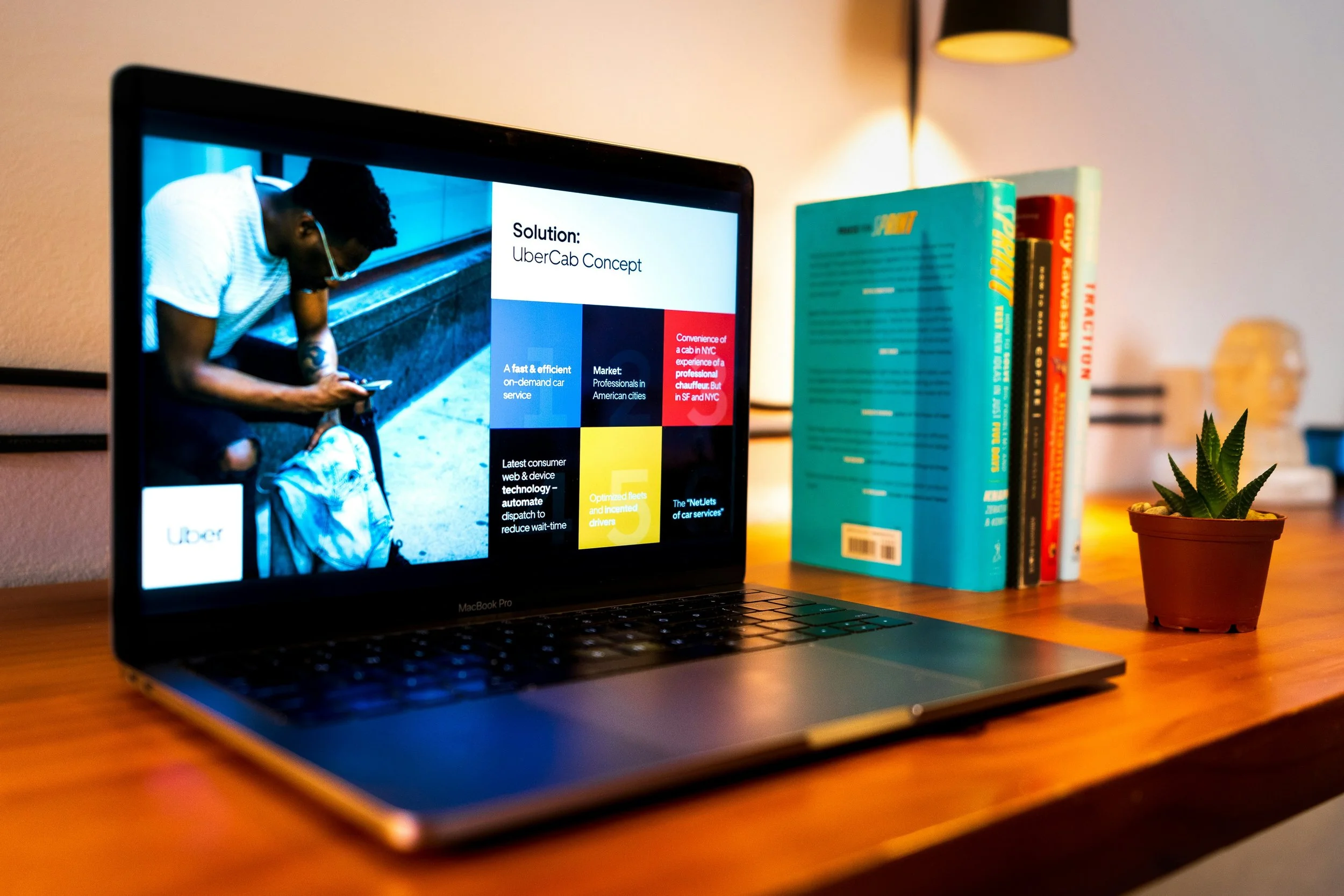
Most people do not lose a pitch because their idea was bad. It is because their slides were. A poorly structured deck, an inconsistent visual identity, or a presentation that looks thrown together the night before can quietly undermine even the strongest business case.
The good news is that AI has made it easier than ever to walk into a room with something that actually looks the part.
We tested 10 of the best AI presentation tools available in 2026, running each one through real pitch deck scenarios to see which ones deliver on their promise. Here is the ranked breakdown of what actually works.
What Makes a Great AI Presentation Tool?
Not all AI presentation tools are built the same way. Before we get into the rankings, here are the five criteria we used to evaluate every platform on this list.
Ease of use
How quickly can someone with no design background go from a blank canvas to a finished deck? We looked at onboarding, workflow clarity, and the number of steps required to get a usable result.
AI quality and output
Does the AI actually understand what you are trying to communicate? We tested how well each tool interprets prompts, generates relevant content, and produces layouts that make visual sense.
Design and template variety
A strong library means more starting points and less creative friction. We evaluated the depth and quality of each platform's template collection and how well those templates hold up in professional settings.
Pitch deck-specific features
Pitch decks have unique structural requirements. We looked for tools that understand the problem-solution-traction narrative arc and offer layouts built specifically for startup and investor presentations.
Pricing and value
We compared free-tier access, paid-plan features, and whether the price reflects what you actually get. Tools that lock basic functionality behind expensive paywalls scored lower.
Quick-Pick Comparison Table
Use this table if you need a fast answer. Full breakdowns follow below.
| # | Tool | Best For | Score | Starting Price |
|---|---|---|---|---|
| 1 | Design.com | Overall best AI presentations | 9.8/10 | Free/ $9/mo |
| 2 | BrandCrowd | Branded templates + ecosystem | 9.4/10 | Free/ $9/mo |
| 3 | Prezi | Educators, corporate trainers and sales teams | 9.3/10 | Free/ $7/mo |
| 4 | Gamma | AI-generated narrative decks | 9.0/10 | Free/ $10/mo |
| 5 | Beautiful.ai | Smart auto-layout slides | 8.7/10 | $12/mo |
| 6 | Canva | Visual design flexibility | 8.4/10 | Free/ $15/mo |
| 7 | Tome | Storytelling-first decks | 8.2/10 | Free/ $20/mo |
| 8 | Pitch | Team collaboration | 8.0/10 | Free/ $8/mo |
| 9 | SlidesAI | Google Slides AI add-on | 7.8/10 | Free/ $10/mo |
| 10 | MagicSlides | Rapid text-to-deck | 7.5/10 | Free/ $7/mo |
| 11 | Slidesgo | Free template library | 7.3/10 | Free/ $19/mo |
Top 11 AI Tools for Pitch Decks and Presentations
These are the tools that rose to the top after testing across real presentation use cases. Each one earned its spot based on how well it performs where it matters most.
#1 Design.com
Score: 9.8 / 10
Starting Price: Free, Premium from $9/month
Best For: Entrepreneurs, small businesses, and marketers who need professional presentations fast

If you only have time to try one tool on this list, make it Design.com. The AI presentation maker from Design.com is the most well-rounded option we tested. It sits at the intersection of speed, quality, and brand consistency in a way that no other tool on this list quite manages.
What the AI Does
Design.com’s AI generates slide layouts and visual styles based on your keywords or business name, then lets you customize everything from colors and fonts to layout structure. The result is a presentation that looks like it was designed, not assembled from a stock template.
Template Library
With access to over 589,000 templates across the entire Design.com platform, there is almost no niche or industry that is not covered. For pitch decks specifically, the layouts are structured with purpose. Problem slides, solution slides, traction metrics, and team pages all have dedicated formats that follow the logic investors actually expect to see.
Brand Integration
This is where Design.com genuinely pulls ahead of the competition. You can automatically apply your logo and brand colors to every slide, and those brand elements remain consistent across other Design.com assets like business cards, social media graphics, and email signatures. For founders and marketers building a visual identity from scratch, that kind of ecosystem coherence is a serious time-saver.
Ease of Use
The editor is beginner-friendly without feeling limited. The workflow is straightforward: generate, customize, and download. Exports are compatible with PowerPoint and Google Slides, so you are not locked into a proprietary format. The free tier lets you explore and customize before committing to a plan.
Pricing
Free templates to explore, customize, and use
Premium Plan at $9/month includes all design tools, 589,000 templates, and perpetual storage
Premium Design Pack + Website at $14/month adds a full website builder
#2 BrandCrowd
Score: 9.4 / 10
Starting Price: Free, Premium from $9/month
Best For: Brand-conscious businesses that want polished, consistent presentations without a designer
BrandCrowd earns its second-place spot by doing one thing exceptionally well. The presentation maker is built around brand consistency. Every template in the library was designed by professionals, and the customization tools are intuitive enough that anyone can adapt a deck to match their brand without a steep learning curve.
Template Library
The collection covers a wide range of industries and presentation styles, from lean startup pitch decks to polished agency proposals. Layouts are structured for clarity and visual impact, which matters when you are presenting to someone whose attention is split. You can browse by style or keyword, pick a format, and start customizing within minutes.
Brand Ecosystem
What makes BrandCrowd particularly strong is how well it connects with the rest of its design ecosystem. Logos, business cards, and marketing graphics all live in the same platform, so the visual language you develop for your presentation carries across every other brand touchpoint. At $9 per month, it offers exceptional value for small teams building a brand from scratch.
Pricing
Free to browse and customize
Premium Plan at $9/month includes the full template library, logo editor, and 50+ design tools
Premium Design Pack + Website at $14/month adds website builder access
#3 Prezi
Score: 9.3 / 10
Starting Price: Free trial, Paid from $7/month
Best For: Educators, corporate trainers, and sales teams who need high-engagement, non-linear presentations
Prezi stands out in the AI presentation space by ditching the traditional slide-by-side format in favor of a dynamic, zoomable canvas. Designed for "knowledge multipliers," Prezi helps presenters turn raw files and data into cinematic visual stories that move beyond linear decks to keep audiences genuinely engaged.
What the AI Does
Prezi AI maps out ideas into a narrative flow that isn't tethered to static slides. It can transform existing PPTX, PDF, or Word files into interactive presentations that allow you to jump to any topic based on the audience's interest, making it ideal for conversational and hybrid presenting.
Audience Analytics & Engagement
Unlike standard tools, Prezi offers deep viewer analytics that show exactly where your audience’s attention lands. Combined with live features like real-time Q&A and narrated video for asynchronous delivery, it ensures your message carries the same weight whether presented in person or watched later.
#4 Gamma
Score: 9.0 / 10
Starting Price: Free, Pro from $10/month
Best For: Writers and communicators who think in narratives, not slides
Gamma takes a fundamentally different approach to presentations. Instead of starting with a template, you start with a prompt or a block of text. The AI restructures your content into a complete deck with narrative flow built in. It is genuinely impressive for anyone who struggles with the blank-slide problem.
AI Output Quality
The decks have a modern, content-forward aesthetic that works well for thought leadership and educational presentations. Where Gamma falls slightly short is in fine-grained design control. You get beautiful results quickly, but customizing those results to match a specific brand identity takes more effort than it should.
Pricing
Free tier available with generous usage limits
Pro plan at $10/month unlocks unlimited AI generations and advanced customization
Team plan available for collaborative use at higher tiers
#5 Beautiful.ai
Score: 8.7 / 10
Starting Price: $12/month
Best For: Teams who want slides that auto-adjust as content changes
Beautiful.ai built its reputation on smart slide templates that automatically adjust layout as you add or remove content. It removes one of the most frustrating parts of building presentations, which is the constant manual repositioning of elements every time something changes.
Smart Layout System
The AI here is less about generating content and more about maintaining visual order, and it does that job very well. The platform skews slightly toward corporate and team use cases, reflected in its collaboration features. For teams building presentations at volume, the time saved on layout adjustments adds up fast.
Pricing
No meaningful free tier
Pro plan starts at $12/month billed annually
Team plan available with additional collaboration and admin features
#6 Canva
Score: 8.4 / 10
Starting Price: Free, Pro from $15/month
Best For: Visual creatives who want total design freedom with AI assistance
Canva is arguably the most recognized name in this space, and its AI features have matured significantly in recent years. Magic Design, its AI presentation generator, can produce full decks from a prompt with respectable quality. The template library is vast, and the design flexibility is unmatched among consumer tools.
Design Flexibility vs. Pitch Structure
Where Canva scores slightly lower is in pitch deck-specific structure. It is an excellent general-purpose design tool, but it does not deeply understand the logic of an investor presentation the way more specialized tools do. The Pro plan at $15 per month is also on the pricier end for individuals, though teams often find the per-seat cost reasonable given the breadth of what Canva covers.
Pricing
Free tier available with access to a large but limited template selection
Pro plan at $15/month unlocks the full template library, Magic Design, and premium assets
Teams plan available with per-seat pricing for collaborative workspaces
Honorable Mentions
These tools did not crack the top five, but each has a specific use case where it genuinely shines.
#7 Tome
Score: 8.2/10
Starting Price: Free / $20 per month
Tome is the tool for storytellers. Its AI builds presentations around a narrative arc rather than a visual template, making it a strong choice for pitches that rely on compelling story structure.
The output feels more like a scrollable document than a traditional slide deck, which is either a feature or a limitation depending on your audience. The free tier is functional, though heavy users will hit its caps quickly.
#8 Pitch
Score: 8.0/10
Starting Price: Free / $8 per month
Pitch is built with collaboration at its core. Multiple team members can work on a deck simultaneously, leave comments, and track version history, which makes it a strong pick for startup teams building investor materials together.
The AI features are useful but not the main attraction here. Where Pitch earns its place is in the smoothness of its real-time collaboration experience. At $8 per month, it is one of the better value team tools on the list.
#9 SlidesAI
Score: 7.8/10
Starting Price: Free / $10 per month
SlidesAI lives inside Google Slides as an add-on, which is its biggest advantage and its biggest limitation. If your workflow is built around Google Workspace, SlidesAI adds genuine AI-powered slide generation without forcing you to switch platforms.
The output quality is decent, and the learning curve is minimal. However, if you are not already committed to Google Slides, there are better standalone options on this list.
#10 MagicSlides
Score: 7.5/10
Starting Price: Free / $7 per month
MagicSlides does one thing fast. Paste in text, a topic, or a URL, and it generates a structured slide deck in seconds. The output is serviceable rather than impressive, but for users who need a rough draft starting point quickly and cheaply, it gets the job done.
At $7 per month, it is the most affordable paid option on this list. Do not expect polish out of the box, but as a first-draft engine, it punches above its price.
#11 Slidesgo
Score: 7.3/10
Starting Price: Free / $19 per month
Slidesgo is a template-first platform with a library that emphasizes aesthetic variety. If you need a presentation that stands out and doesn't blend in with every other Canva deck in the room, Slidesgo offers some of the most visually creative templates in this roundup.
The AI generation features are still maturing, so it earns its spot more as a template resource than a full AI tool. The $ 19-per-month price tag feels steep for what is essentially a premium template library.
Build Something Worth Presenting
The best AI presentation tool is the one that fits how you actually work. The right pick depends on who you are as a presenter and what kind of deck you are building. What this list makes clear is that no matter your use case, there is a tool that meets you where you are.
If you are starting from scratch and need something that covers the full workflow without compromise, the Design.com AI presentation maker is the place to begin. Free to explore, straightforward to use, and built to grow with your brand.
The slides are ready. Now go make the pitch.
Author Bio:
Hannah Suroy brings clarity to complex topics across entertainment, business, and creative industries. She specializes in translating industry trends and innovations into engaging content that helps readers understand the creative process behind the work they love.
