
5 Best Online Business Card Generators in 2026
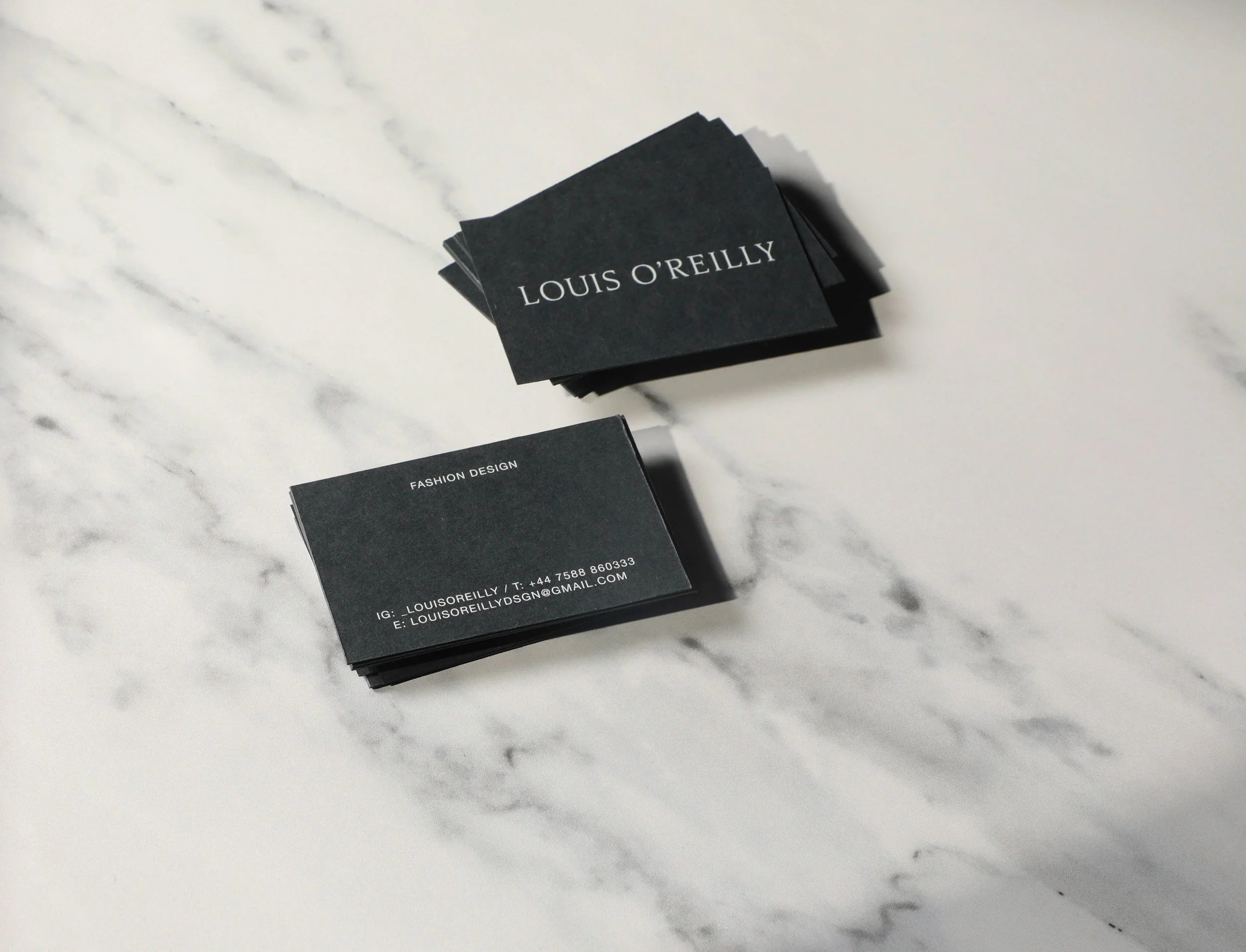
A well-designed business card still goes a long way for small businesses. It makes connecting with customers and partners feel more natural, keeps your brand looking consistent, and gives people something physical to hold onto. The best part is that you don't need to spend a fortune or hire a designer to pull one off. There are plenty of online business card makers out there that make it easy for anyone to create something polished and professional without any prior design experience.
We put a handful of these platforms to the test and laid out everything you need to know, from features and pricing to who each one works best for, so you can find the right fit.
Best Business Card Makers in 2026
We tested out multiple platforms to bring you the best business card maker tools this year, each with its own unique features and specialties. Here's a quick summary of what we found:
| Tool | Key Strength | Printing | Rating | Pricing |
|---|---|---|---|---|
| Design.com | Vast template collection with impressive design variety | Yes | ⭐⭐⭐⭐⭐ | Free cards available, Premium from $9 |
| BrandCrowd | Polished, professionally crafted templates built for branding | Yes | ⭐⭐⭐⭐ | Free cards available, Premium from $9 |
| Canva | Intuitive drag-and-drop editor with a rich graphics library | Yes | ⭐⭐⭐⭐ | Free cards available, Pro from $5 |
| Moo | Exceptional print quality with luxury card materials | Yes | ⭐⭐⭐ | Free to design, pay only when you print |
| VistaPrint | Stands out with custom shapes and diverse finish options | Yes | ⭐⭐⭐ | Free to design, pay only when you print |
Design.com

Design.com's business card generator makes it possible to design professional, custom business cards in no time, even if you've never touched a design tool before. The platform gives you access to an extensive template library that you can tailor to your liking right inside the built-in editor. Since Design.com supports every industry and aesthetic, finding something that feels true to your brand rarely takes more than a few minutes.
On top of that, Design.com brings together a full set of branding tools, from a logo maker and website builder to a poster maker and beyond, making it an ideal home base for growing companies that want everything looking cohesive and on-brand.
Why This is The #1 Pick:
Exceptional design quality and range: From clean minimalist designs to bold, retro, and modern styles, there’s a card design for every direction you want to take. The platform delivers variety without sacrificing quality, making it easier to find the right fit.
20,000+ ready-to-use templates: With one of the largest template libraries available, organized by industry, you'll land on the right starting point without any hassle.
Built for easy customization: Tweak fonts, colors, icons, and layouts with an editor that anyone can pick up and use right away.
A complete branding hub: Beyond business cards, you get tools to build successful websites, social media graphics, email signatures, and more, all under one roof.
Direct printing available: Order prints straight through Design.com and skip the back-and-forth with outside print shops.
Flexible export options: Save your finished card in PNG, JPG, SVG, EPS, or PDF, whichever format works best for your needs.
Pricing
Free business cards are available on the platform and can be downloaded at no cost. Unlocking premium card designs requires a paid plan, which starts at $9.
BrandCrowd
BrandCrowd's business card maker is the go-to option if you want something that actually looks distinct and well-crafted. Unlike platforms that rely on generic stock layouts, BrandCrowd takes design quality seriously. Every template is created by professional designers from around the world and goes through quality checks before it ever makes it onto the platform.
The result is a library where every card looks polished and intentional, making it a great fit for those in creative or visually driven industries, or anyone who simply wants a card worth handing out.
Why BrandCrowd Works Well for Small Businesses:
Extensive template library: Thousands of business card templates spanning a wide range of industries and niches mean you'll always have plenty of strong options to choose from.
Flexible editing tools: The editor is clean and approachable, yet gives you enough creative control to make each card your own, from curving text and tweaking layouts to customizing QR code designs and adding animations.
Designer-made templates: Every card is crafted by a real designer rather than pulled from a generic stock library, which means higher quality and more business-ready results straight out of the box.
Multiple export formats: Download your finished card in SVG, EPS, PDF, and more, covering everything you need for both print and digital use.
Built-in printing service: Order prints directly through BrandCrowd without having to coordinate with a separate print provider.
Pricing
Free card downloads are available on the platform at no cost. Accessing premium designs requires a paid plan starting at $9. Print pricing varies based on quantity, finish type, and any additional customization options you choose.
Canva
Canva's business card maker is one of the more familiar options on this list simply because so many people already use Canva for other things. If you've designed a flyer or a social post on the platform before, making a business card here won't feel any different. The editor is drag-and-drop, the template library is broad, and there are graphics and icons you can pull from to fill out your design.
What Canva Offers:
Decent template variety: There's a wide enough selection to find something workable, though the designs don't always stand out from what you'd find elsewhere.
Functional asset library: Icons, graphics, and photos are available to pull from, covering the basics without anything particularly special.
Simple interface: The drag-and-drop editor is easy to pick up, which is its biggest selling point for anyone who just wants to get something done quickly.
Team access: Useful if more than one person needs to be involved in the design process.
Pricing
Free cards are available, though the selection is noticeably narrower than what Pro users get. The Pro plan starts at $5 per month.
Moo
Moo's business card maker is built around printing rather than design. The platform offers a range of paper types, finishes, and sizes, giving users more physical customization options than most other tools on this list. It's a reasonable pick if the way your card feels matters as much as the way it looks.
One thing Moo does differently is letting you print a unique design on the back of each individual card at no added cost. For photographers, artists, or businesses wanting to display different products across their cards, that's a functional feature that not many platforms offer.
Where it falls short is on the design side. The editor and template selection are not as robust as dedicated design platforms, so if you're starting from scratch and need a lot of guidance, Moo may not be the most comfortable starting point.
What Moo Offers:
Range of print materials: Multiple paper stocks, finishes, and sizes are available, though pricing can add up depending on what you choose.
Individual back designs: Each card in your order can have a different back design included at no extra charge.
Size variety: Standard, square, and a few other formats are available to choose from.
End-to-end printing: Design and order fulfillment are handled through the same platform.
Pricing
Designing on Moo is free, and you only pay when you place a print order. Final costs depend on quantity, paper type, finish, and card size.
VistaPrint
VistaPrint's business card maker is primarily a print platform with a design tool built into it, not the other way around. You can put a card together online and move straight into ordering physical copies without leaving the platform, which is convenient enough if printing is the main goal.
Print options are where VistaPrint puts most of its focus. There's a wider range of paper stocks, finishes, shapes, and sizes compared to most other platforms on this list, so there's more to work with on the physical side of things.
The design experience itself is fairly basic. The template selection gets the job done but won't give you the same level of creative flexibility you'd find on a platform built around design first. It's a reasonable option if you already know what you want and just need to get it printed.
What VistaPrint Offers:
Broad print options: More paper stocks, finishes, and card styles than most, though quality can vary depending on what you order.
Shape and size variety: A few format options beyond the standard rectangle are available for those who want something different.
Straightforward ordering process: Moving from design to print order is simple and happens within the same platform.
Direct fulfillment: Production and shipping are handled by VistaPrint directly.
Pricing
Designing is free, and you only pay when you place a print order. Costs depend on quantity, paper type, finish, size, and any additional options selected.
Final Thoughts
Business cards still matter, and having one that accurately represents your brand can make a real difference when it counts. The tools available today have made the process accessible enough that there's no good reason to put it off, whether you're working with a tight budget or no design experience at all.
Out of everything we tested, Design.com comes out on top as the most complete option. The template library is one of the largest available, the editor is easy enough for anyone to pick up, and the built-in branding tools extend its usefulness well beyond just business cards. It delivers the most value without a steep learning curve or a hefty price tag, which makes it a difficult option to look past.
