
How Adobe Empowers Creators to Generate QR Codes Effectively
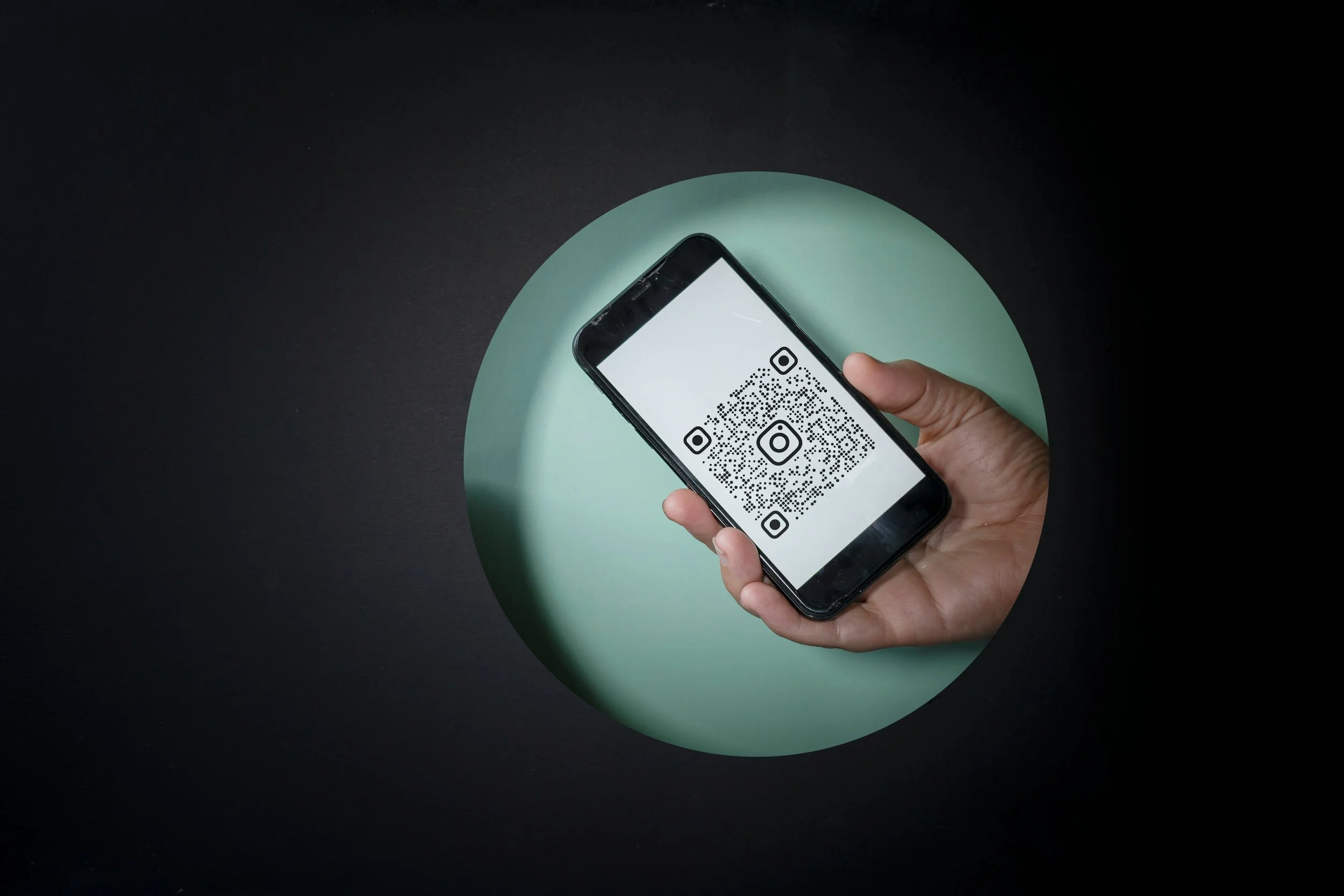
In today's fast-paced digital landscape, QR codes have become an essential tool for bridging the physical and online worlds. Businesses, marketers, educators, and creative professionals rely on them to share links, menus, product details, event registrations, and more with a simple scan. Adobe stands out as a leader in providing intuitive solutions for this need, particularly through its user-friendly platforms that integrate design and functionality seamlessly. Whether you're crafting marketing materials or looking for new ways to engage customers through interactive digital experiences, Adobe offers robust ways to Generate QR codes that are both visually appealing and highly functional.
The Rise of QR Codes in Modern Design
QR codes, short for Quick Response codes, are two-dimensional barcodes capable of storing various types of data, from URLs to contact information. Their popularity surged during the pandemic and continues to grow due to their versatility in print and digital media. Adobe recognizes this trend and has integrated features that make creating these codes not just simple but also creatively flexible.
With Adobe's ecosystem, users can produce QR codes that align perfectly with brand aesthetics. This goes beyond basic black-and-white squares, allowing for color customization, logo integration, and stylistic adjustments while maintaining scannability. This creative freedom is what sets Adobe apart, enabling professionals to maintain consistent branding across all touchpoints.
Getting Started with Adobe Express for QR Code Creation
Adobe Express is a powerful, accessible platform designed for quick and professional results. To generate QR codes using Adobe Express, the process is straightforward and requires no advanced technical skills. Start by accessing the QR code generator tool directly within the platform. Users simply input their desired URL or content, and the system instantly produces a functional code.
One of the standout benefits is the ability to customize extensively. Choose from various styles, adjust colors to match your brand palette, and even add logos or icons. Adobe Express ensures that these modifications do not compromise the code's readability. After personalization, download the QR code in popular formats like PNG, JPEG, or PDF, making it ready for integration into flyers, business cards, posters, or social media graphics.
The platform also supports mobile use, allowing creators to generate QR codes on the go. Open the Adobe Express app, navigate to Quick Actions, select the Generate QR code option, paste the destination link, and tweak styles and colors as needed. This mobility is particularly useful for event organizers or field marketers who need immediate solutions.
Integrating QR Codes into Broader Adobe Projects
Beyond standalone generation, Adobe Express excels at embedding QR codes into comprehensive designs. For instance, when working on a flyer or menu template, users can generate a QR code and insert it directly into the project. Resize, reposition, and refine the surrounding elements for a cohesive look. This seamless workflow saves time and ensures the final output looks polished and professional.
Adobe Acrobat also complements this process for document-focused users. Convert PDFs to shareable links and then use Adobe tools to create corresponding QR codes, ideal for interactive reports, brochures, or e-books. This integration highlights Adobe's holistic approach, where design tools work together to enhance functionality.
Best Practices for Effective QR Code Design in Adobe
When using Adobe to generate QR codes, keep a few best practices in mind to maximize impact:
Test Scannability: Always scan the generated code with multiple devices before finalizing. Adobe's preview features help, but real-world testing is crucial.
Maintain Contrast: While customization is encouraged, ensure sufficient contrast between the code elements and background for reliable scanning.
Optimize Size: QR codes should be large enough to scan easily but not overpower the design. Adobe's editor provides precise controls for scaling.
Branding Consistency: Use brand colors and incorporate subtle logos to reinforce identity without cluttering the code.
Strategic Placement: Position QR codes prominently in designs, perhaps with a call-to-action like "Scan for More Info" to encourage engagement.
These practices ensure that your QR codes not only function well but also contribute aesthetically to your projects.
Applications Across Industries
Adobe's QR code capabilities serve diverse sectors. In marketing, businesses use them on packaging to link to product videos or reviews. Educators incorporate them into worksheets for supplementary resources. Restaurants add them to menus for digital ordering, while event planners direct attendees to registration pages.
The non-expiring nature of codes created in Adobe Express provides long-term reliability, unlike temporary solutions elsewhere. This permanence is invaluable for printed materials that may be used for months or years.
Advanced Tips for Power Users
For those working in Adobe Photoshop or other Creative Cloud apps, generated QR codes from Express can be imported as smart objects. This allows non-destructive editing, layer effects, and further refinements while preserving the original scan functionality. Combine with Adobe's vast template library for rapid prototyping of campaigns.
Adobe continues to evolve these features, with updates focusing on user feedback for even greater customization options and integration depth.
Conclusion: Elevate Your Designs with Adobe
Adobe provides an all-in-one environment that makes generating high-quality, branded QR codes effortless and effective. By leveraging tools like Adobe Express, creators can produce codes that enhance interactivity and user experience across print and digital channels. As QR technology evolves, Adobe remains at the forefront, empowering users to innovate without complexity.
Whether for a small business card or a large-scale marketing campaign, mastering how to generate QR codes with Adobe unlocks new levels of engagement and creativity. Start exploring these features today to transform static materials into dynamic, connected experiences that resonate with your audience.
