
How to Automate Video Editing Tasks Using AI Agents
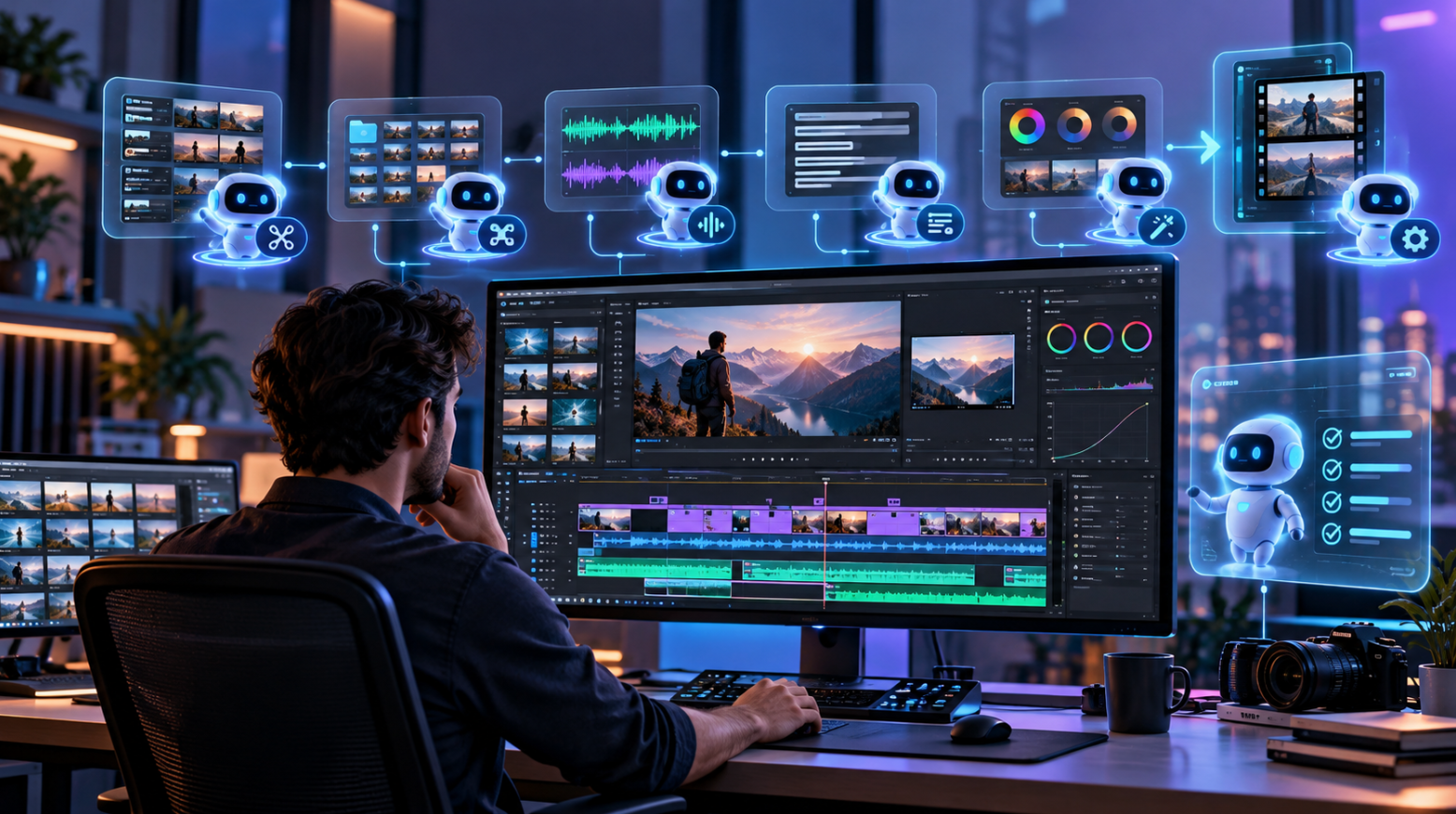
Video editing involves more than putting clips together. Editors spend hours sorting footage, trimming unwanted sections, adjusting audio, correcting colors, and preparing videos for different platforms. While these tasks are important, many follow similar steps that can be automated.
AI agents are changing how these editing workflows operate. Instead of manually handling every adjustment, editors can describe what they want, and an AI agent can carry out the work directly in a video editing environment.
This approach allows creators, marketing teams, and professional editors to spend less time on repetitive tasks and more time shaping the final story.
What Are AI Agents in Video Editing?
AI agents in video editing are systems that can understand instructions, plan editing steps, and perform actions within video editing software. Unlike tools that only suggest cuts or apply preset effects, an AI agent can handle several connected tasks based on a single request.
For example, an editor might ask an agent to arrange interview clips, trim long pauses, improve audio levels, and prepare a first draft. The agent can carry out supported actions while the editor reviews the results.
The main difference is that AI agents can work within an editing workflow rather than simply generate suggestions. This makes them useful for projects involving multiple clips, frequent revisions, or repeated editing tasks.
Which Video Editing Tasks Can AI Agents Automate?
AI agents can help automate several routine editing activities, including trimming clips, arranging footage, adjusting audio, applying color corrections, and preparing timelines. The tasks available depend on the video editor and how the agent connects to it.
1. Trimming and arranging video clips
One of the most repetitive parts of editing is reviewing footage and removing sections that do not belong in the final video.
AI agents can help by following instructions to shorten clips, remove selected portions, and arrange footage in a preferred order.
For example, an editor creating a product demonstration could ask an agent to arrange the introduction, feature walkthrough, and closing message into a rough sequence.
The editor can then review the structure and adjust the timing where needed.
2. Audio editing and mixing
Audio editing often involves balancing dialogue, music, and sound effects across multiple tracks.
AI agents connected to suitable editing tools can help adjust track levels, arrange audio clips, and apply supported mixing changes based on instructions.
An editor working on a podcast video might request lower background music during conversations or a fade at the end of a segment.
These adjustments still need listening and review, especially when speech clarity and natural transitions matter.
3. Color correction across footage
When footage comes from different cameras or lighting conditions, colors may look inconsistent between shots.
AI agents can help apply color correction settings across selected clips, reducing the amount of repetitive adjustment needed.
For example, an editor could ask an agent to make a group of interview clips look more consistent in brightness and color.
The editor can then fine-tune individual shots to maintain the desired visual style.
4. Adding transitions and visual elements
Transitions, titles, and supporting visuals can take time to place and adjust across a longer project.
With the right editing tools, AI agents can help carry out instructions such as adding a transition between scenes, placing text at a chosen point, or adjusting the scale of a clip.
This can be especially useful for teams producing regular tutorials, social media videos, and marketing content.
The goal is not to add effects everywhere but to make routine changes easier while keeping the video visually consistent.
How Do You Automate Video Editing With AI Agents?
Automating video editing works best when the agent has access to the editing tools and receives clear instructions. A good workflow starts with organizing the footage, connecting the agent, assigning specific tasks, and reviewing the edited timeline.
Step 1: Organize your video files
Before assigning editing tasks, organize your footage, audio recordings, graphics, and other project assets.
Give files clear names so the agent can identify the correct materials. For larger projects, grouping files by scene or recording session can make the editing process easier to manage.
It also helps to prepare a short brief covering the video length, intended audience, visual style, and desired final result.
Step 2: Connect an AI agent to your video editor
An AI agent needs access to editing functions before it can make actual changes to a project. This may happen through an integration, a plugin, or a connection based on the Model Context Protocol (MCP).
For example, invideo Editor supports AI-driven editing through invideo's remote agents, allowing users to connect agents such as Claude, Codex, or Cursor to work directly on professional editing timelines. Once connected, these agents can carry out supported editing tasks, including timeline adjustments, color correction, audio mixing, and media generation, through natural-language instructions.
This means editors can assign tasks through their preferred AI agent while keeping the video project available for further adjustments.
Step 3: Give the agent specific editing instructions
Clear instructions help an AI agent understand both the task and the expected result.
Instead of saying "make this video better," describe the changes you want.
For example:
"Arrange these clips into a 60-second product walkthrough."
"Shorten the second clip by three seconds."
"Lower the background music during the spoken introduction."
"Add a short dissolve between the opening scenes."
"Adjust the brightness of the interview clips so they look more consistent."
Specific instructions also make it easier to check whether the changes were completed correctly.
Step 4: Review the edited timeline
Even when AI handles routine editing, human review remains important.
Watch the edited sequence from beginning to end and check whether the cuts, audio levels, transitions, and visual changes match the original brief.
Pay special attention to storytelling, pacing, and emotional moments. These elements often depend on creative judgment that cannot be reduced to a fixed set of editing instructions.
Step 5: Refine and export the final video
After reviewing the first draft, provide follow-up instructions for any remaining changes.
You might ask the agent to shorten a section, adjust a transition, or change the balance between dialogue and background music.
Once the project is ready, check the export settings, including resolution, frame rate, aspect ratio, and file format.
A final quality check helps ensure the video looks and sounds correct on its intended platform.
What Are the Benefits of Automating Video Editing Tasks?
AI agents can make video production more manageable by reducing repetitive work and simplifying how editors handle changes.
Faster first drafts: Editors can assign basic timeline work instead of manually building every part of the sequence.
Less repetitive editing: Routine adjustments, such as trimming clips or applying similar settings across footage, can be handled through instructions.
Easier revisions: Instead of repeating a series of manual actions, editors can describe the changes they need.
More consistent workflows: Teams can follow shared editing instructions across recurring projects, helping maintain a consistent production process.
Greater focus on creativity: Editors can spend more time making decisions about storytelling, pacing, visual style, and audience engagement.
These benefits depend on the editing software, agent capabilities, quality of the source footage, and clarity of the instructions.
Where Can AI Agents Help Most in Video Production?
AI agents are particularly helpful in workflows where editors perform similar actions repeatedly.
For social media teams, this might involve preparing several short videos from a longer recording. Marketing teams may need different versions of product demonstrations or promotional videos. Podcast producers may need help arranging interviews, balancing audio, and preparing video episodes.
Professional editors can also benefit when working with projects containing multiple tracks, repeated revisions, or large collections of footage.
However, automation is generally most effective when tasks are clearly defined. Creative decisions, sensitive storytelling, complex visual effects, and detailed finishing work may still require direct attention from an experienced editor.
What Are the Limitations of AI Video Editing Agents?
AI agents can automate many editing actions, but they do not guarantee a finished video that needs no human input.
An agent may follow an instruction accurately while still producing a cut that feels too rushed or a transition that does not suit the scene. Poor audio recordings, missing footage, and unclear briefs can also affect the result.
Another consideration is the amount of control the editing environment provides. Some AI tools produce a finished video with limited adjustment options, while others allow users to inspect and modify individual clips and tracks.
For professional projects, it is worth choosing a workflow that supports timeline visibility, revisions, and manual corrections.
How Can You Get Better Results From AI Editing Automation?
The quality of AI-assisted video editing often depends on how well the work is planned.
Start by assigning smaller tasks instead of giving an agent a long list of unrelated instructions. Once the initial changes are complete, review the results before moving to the next stage.
Create simple editing guidelines for recurring projects. These might cover preferred video lengths, music levels, transitions, framing, and brand style.
Keep original project files available and review important changes before final delivery. This gives editors the flexibility to experiment without losing earlier versions of their work.
Most importantly, treat AI automation as support for the editing process rather than a replacement for creative judgment.
Conclusion
AI agents are making video editing more flexible by allowing creators and editors to assign routine work through simple instructions. Tasks such as arranging clips, adjusting audio, correcting colors, and refining timelines can become easier to manage when an agent is connected to the right editing tools.
The strongest workflows combine automation with human creativity. AI handles repeatable actions, while editors remain responsible for the story, pacing, and overall quality.
As AI agents become more connected to professional editing environments, creators and production teams have more opportunities to simplify their workflows without giving up control over the final video.
Frequently Asked Questions
Can AI agents edit videos automatically?
Yes. AI agents connected to compatible video editing tools can perform tasks such as trimming footage, arranging clips, adjusting audio, and applying editing changes. Their capabilities depend on the software and available integrations.
Do AI video editing agents require coding skills?
Not always. Many AI-assisted editing workflows allow users to provide instructions in everyday language. Some agent connections may require an initial setup, but routine editing commands do not necessarily require coding.
Can AI agents work with professional video editing timelines?
Yes. Some systems allow AI agents to make changes directly on multitrack editing timelines. This allows editors to review the work, adjust individual elements, and continue editing manually when needed.
Will AI agents replace professional video editors?
AI agents can reduce repetitive work, but professional editors still make important decisions about storytelling, timing, visual style, and emotional impact. The technology is better viewed as a way to support editors rather than replace them.
What is the difference between AI video editing and agent-based editing?
Traditional AI video editing often focuses on individual features such as automatic captions or background removal. Agent-based editing goes further by allowing an AI system to follow instructions and carry out multiple actions within a connected editing workflow.
Anchor placement: The link appears once under Step 2: Connect an AI agent to your video editor, where readers are learning how agents connect to real editing tools. This is the strongest contextual placement because the landing page specifically focuses on remote AI agents working inside invideo Editor, rather than general automatic video creation.
