
How to Animate a Logo with Image to Video AI (No Design Skills)
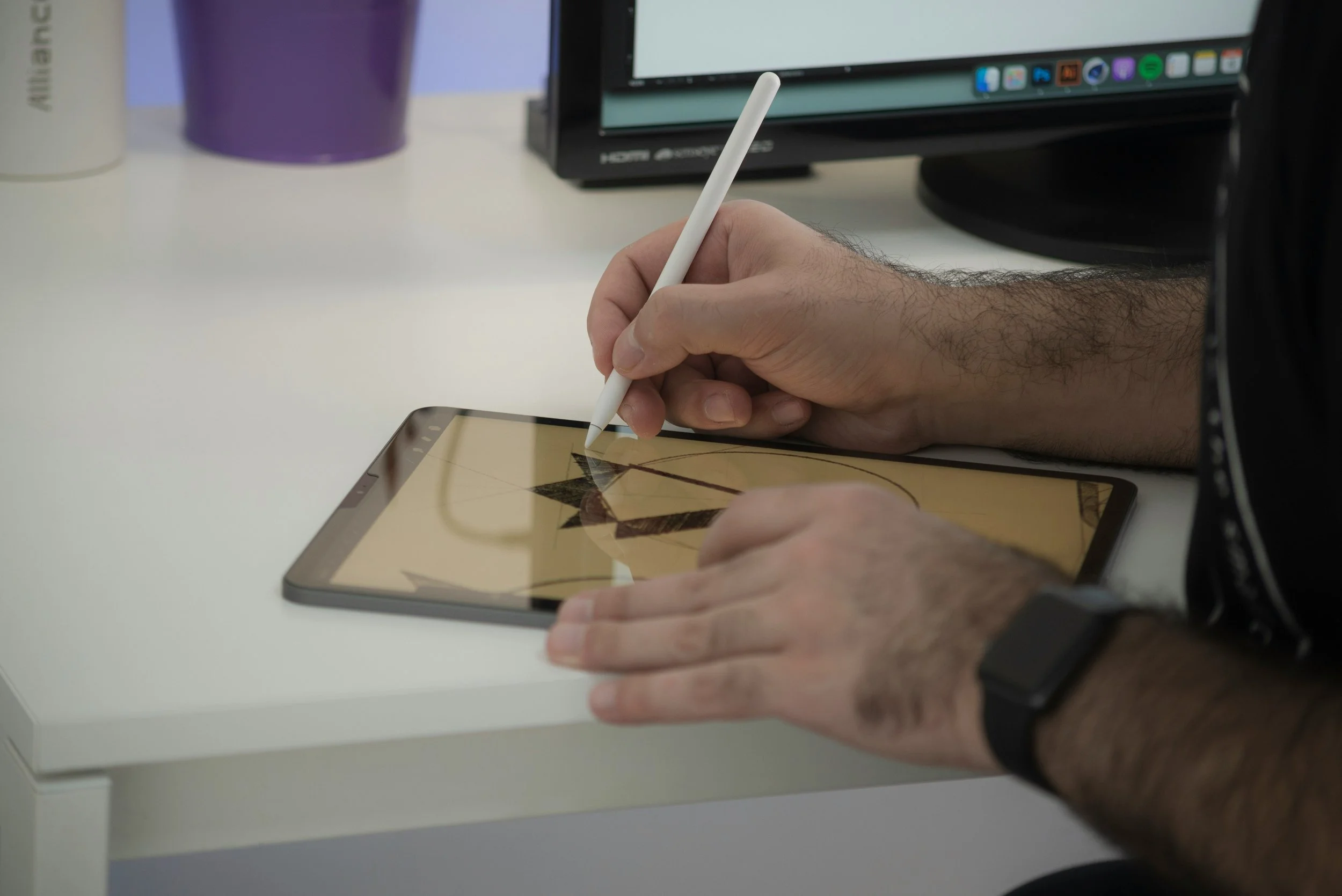
Your logo is one of your most valuable brand assets — so why let it sit still? Animated logos instantly elevate your brand presence, making your content feel more professional and memorable. The good news is that you no longer need a motion designer or After Effects expertise to make it happen. With today's image to video AI tools, you can generate video from image in minutes, even with zero design experience.
Why Animate Your Logo at All?
A static logo works fine on a business card. But in video content, social media, and digital advertising, motion catches the eye in ways that still images simply can't. An animated logo intro on a YouTube video, a looping branded graphic on Instagram, or a dynamic watermark in a reel — these small details signal professionalism and build brand recognition over time. AI has made producing these assets fast, affordable, and accessible to anyone.
Step 1: Prepare Your Logo File
Before you touch any AI tool, make sure your logo is in the right format. A PNG file with a transparent background is ideal, as it gives the AI a clean subject to work with without a distracting background competing for attention. If your logo is only available as a JPEG or embedded in a document, use a free background remover tool to isolate it first. The cleaner your input image, the better your animated output will be.
Step 2: Choose the Right Motion Style
Not all logo animations are created equal. Before you start, think about what kind of motion fits your brand personality. Some common approaches include a gentle pulse or breathing effect for a subtle, professional look; a zoom or scale animation that draws attention on entry; a particle or glow effect for tech and creative brands; and a cinematic pan or parallax for brands with illustrated or layered logos. Having a clear motion intention before you start will help you write better prompts and get better results on the first try.
Step 3: Write a Clear Motion Prompt
Image to video AI tools are prompt-driven, which means the text you write alongside your uploaded logo will directly shape the output. Keep your prompt specific and motion-focused. Instead of writing something vague like "animate my logo," try something like "gentle glowing pulse effect, subtle scale animation, dark background, cinematic feel" or "logo particles dissolving outward, slow motion, clean white background." The more precisely you describe the motion, the more control you'll have over the result.
Step 4: Use an AI Tool to Generate the Animation
This is where the magic happens. Upload your prepared logo file to an image to video AI platform, enter your motion prompt, and let the model do the work. Most tools produce a short clip — typically two to five seconds — which is exactly the right length for a logo animation.
For creators who want a reliable, beginner-friendly platform, Pollo AI is worth trying here. It combines image to video tool with an AI Animation Generator that supports over 30 visual styles, so you can experiment with different aesthetics — from clean and minimal to stylized and cinematic — without switching between multiple tools. The interface is straightforward enough that you can go from uploaded logo to finished animation in a single session.
Step 5: Refine and Iterate
Your first output may not be perfect, and that's completely normal. Adjust your prompt, try a different motion intensity, or experiment with a different style preset. Pollo AI lets you regenerate quickly, so iteration is fast and low-cost. Pay attention to whether the motion feels too fast or too slow, whether the logo's colors and details are preserved accurately, and whether the overall feel matches your brand tone.
Step 6: Export and Use Your Animated Logo
Once you're happy with the result, export the clip in the highest resolution available — ideally MP4 for video use or GIF for web and email contexts. From there, you can use your animated logo as a video intro or outro, a looping social media graphic, an overlay watermark in video content, or a dynamic element in presentations and pitch decks.
Tips for Better Logo Animation Results
Simpler logos animate more cleanly than complex ones. If your logo design has a lot of intricate detail, consider animating a simplified version or just the icon element rather than the full wordmark. Keeping the clip short — under five seconds — ensures the animation feels intentional rather than excessive. And always preview your animation against the background it will actually appear on, since a glow effect that looks great on black may disappear entirely on white.
Final Thoughts
Animating a logo used to be a job for specialists. Today, anyone with a logo file and a few minutes can generate video from image and produce a polished branded animation. The tools are accessible, the learning curve is minimal, and the impact on your content quality is immediate. Start with a simple motion concept, write a clear prompt, and let AI handle the rest.
