
How AI Generated Humans Can Replace Stock Photos on Your Website
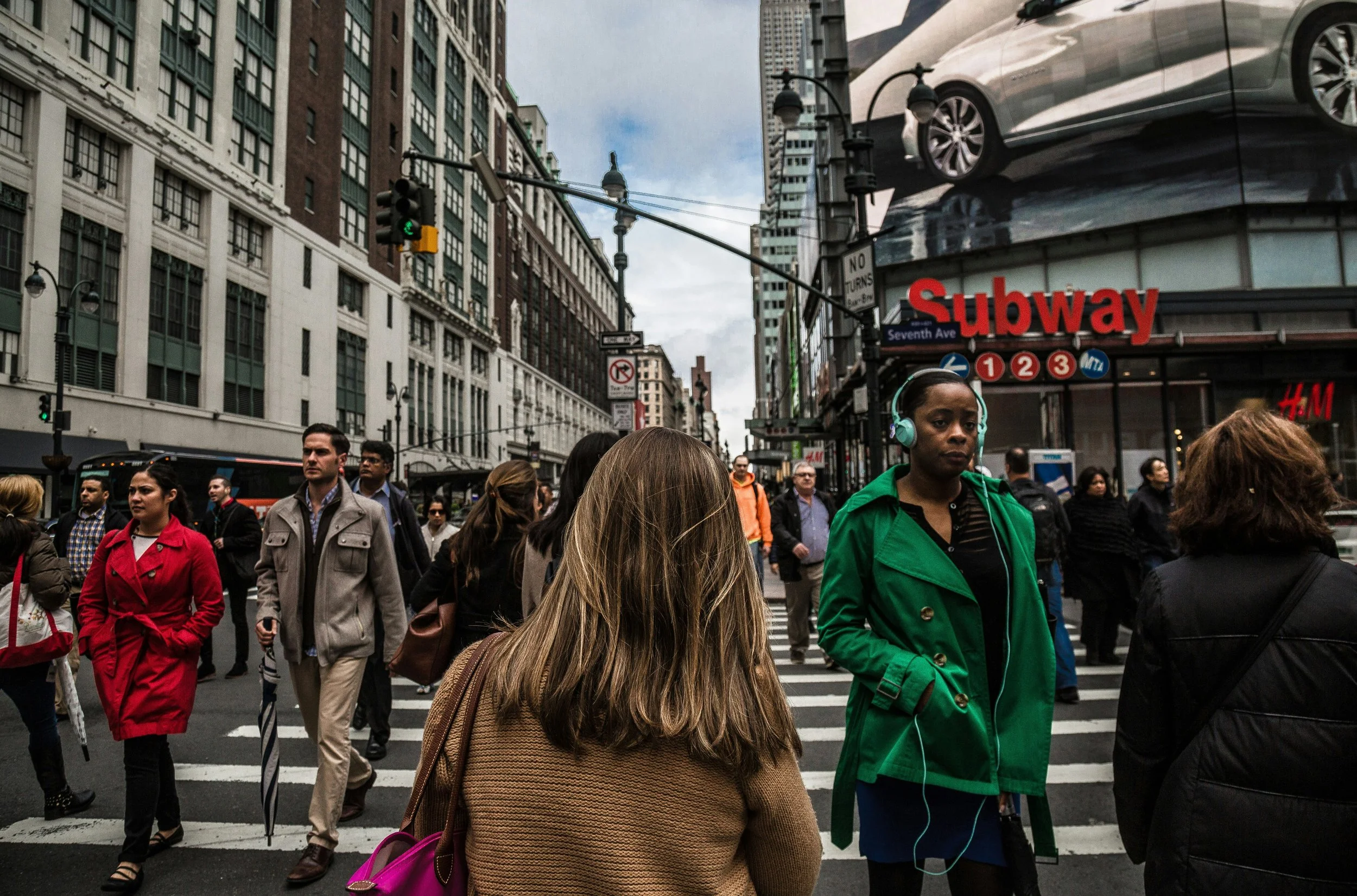
AI generated humans can replace stock photos on your website by giving you original, brand-specific imagery that no competitor is using, at a fraction of the licensing cost and without the visual sameness that makes most company sites look interchangeable. Instead of scrolling through Shutterstock for the hundredth time, you specify the age, ethnicity, styling, expression, and setting you want, and a model generates a unique image in under a minute. The output works for hero banners, about pages, testimonial illustrations, blog headers, and product mockups.
The reason this matters is that stock photography has run into a structural problem. The same few thousand top-performing images circulate across millions of websites, and audiences have learned to filter them out as visual noise. Eye-tracking research on web pages has linked generic stock imagery to lower engagement and shorter dwell time, while distinctive original imagery correlates with higher trust scores. Replacing stock is no longer a nice-to-have for brands that care about how they read to a sceptical visitor.
Why Stock Photography Stopped Working
Stock libraries operate on volume economics. A handful of top contributors produce thousands of shots that fit common briefs, and those shots get licensed across every industry until they become visual cliches. The smiling barista, the diverse team around a laptop, the contemplative woman by a window: these are now category markers for "this company used stock photos" rather than meaningful brand signals.
The problem compounds in crowded verticals. SaaS, fintech, healthcare, and professional services pull from overlapping pools, which is why a venture capital firm's homepage often looks indistinguishable from a B2B software startup's. Industry data on B2B web conversion suggests that visual differentiation contributes 5 to 15 percent variance in landing page performance, depending on the category, with original imagery consistently outperforming stock in side-by-side tests.
There's also a licensing trap. Even paid stock comes with usage restrictions that get awkward at scale. The same image might be fine for blog use but require an extended license for advertising, or be cleared for web but not print. AI generated humans eliminate that compliance overhead because the imagery is original to your brand.
What AI Generated Humans Can Actually Do
The technology produces photorealistic portraits and full-body shots from text prompts, with control over demographics, expression, clothing, setting, and lighting. A typical generation takes 5 to 30 seconds at resolutions up to 2048x2048 pixels, which is sufficient for web use and most printed collateral below billboard size. Higher-end tools offer upscaling to 4K and beyond for premium applications.
Where the technology is strongest is in static portraiture: headshots, lifestyle shots with one or two subjects, environmental portraits in offices or homes. These are also the most common use cases for stock on company websites, which is why the substitution works so cleanly. Where it remains weaker is in complex group scenes with five or more people, action shots involving hand-object interaction, and any image where consistency across multiple shots of the same person matters. For consistency, some platforms now offer "character lock" features that let you generate the same synthetic person across dozens of different contexts.
A growing category of tools lets you generate AI-generated humans with commercial usage rights bundled into the subscription, which simplifies the procurement question that often trips up legal teams reviewing new vendors. The licensing clarity matters more than the per-image cost for most enterprise buyers.
How Different Website Types Should Approach the Switch
Marketing sites benefit most directly. Homepages, product pages, pricing pages, and about pages all rely on human imagery to convey trust and approachability. Replacing the entire visual library of a 30-page marketing site typically takes a designer between 8 and 20 hours of generation and refinement, depending on how specific the brief is and how much iteration the brand voice demands. Compared to commissioning a custom photoshoot (typically $3,000 to $15,000 for a comparable shot list), the cost savings are significant.
Blog and content sites have a slightly different calculus. The volume of imagery needed for a publication producing 30 to 100 articles a month makes per-image generation cost the deciding factor. Most teams land on subscription plans in the $30 to $150 range that cover 100 to 1,000 generations a month, which works out to a few cents per usable image after iteration. That economics simply cannot be matched by stock licensing at the same volume.
Ecommerce sites use AI humans for category page lifestyle imagery and editorial blog content rather than product photography itself, where actual product shots remain essential. A fashion retailer might generate lifestyle imagery of models in different environments to support seasonal collection pages, with the actual garment photography handled traditionally. This hybrid approach is becoming standard.
Regulated industries (healthcare, finance, legal) tend to adopt AI imagery more cautiously, often using it for blog and educational content while keeping traditional photography for customer-facing trust signals like leadership pages and case studies. The reasoning is sound, since audiences scrutinise those pages more closely.
The Practical Workflow From Brief to Published Image
Generating one good image usually takes three to five iterations. The first attempt rarely lands exactly right, particularly for specific demographic or styling requirements. A workflow that produces consistent results starts with a detailed prompt covering subject, expression, clothing, setting, lighting, and camera framing, then refines based on output. Saving successful prompts as templates lets a team scale image production without rewriting the brief each time.
Quality control matters more than people expect. Even leading generators produce occasional artefacts at full resolution: asymmetric earrings, oddly merged hair, inconsistent shadow direction, distorted hands. These look fine in thumbnails and embarrassing in hero placements. Building a review step into the workflow catches these before they ship, and designers typically learn within a few weeks which prompts and scenarios are prone to artefacts.
For brands building a custom visual identity, the most useful capability is style consistency across an entire image library. A homepage hero, three about-page portraits, eight blog headers, and a set of testimonial illustrations should all feel like they belong to the same brand. Achieving this with AI generation requires standardised prompt templates, locked colour palettes, consistent lighting specifications, and ideally a small set of recurring synthetic people who appear across multiple touchpoints.
Disclosure, Ethics, and Avoiding the Pitfalls
The honest part of using AI humans on a website is being clear about what they are. Implying that an AI generated person is a real customer, employee, or testimonial source crosses into deceptive marketing, and regulators in the EU, UK, and US have all signalled stricter enforcement through 2025 and 2026. The safe approach is to use AI humans openly for illustrative imagery, anonymised case studies (clearly labelled), and brand visuals, while keeping real photography for anything presented as evidence of a real person, real employee, or real customer.
There's also a brand consistency consideration that often gets overlooked. Stock photography at least gave brands a baseline of professional quality. AI generation can produce that quality or fall below it, depending on the discipline of the team using the tools. A site that ships AI imagery without an editorial standard ends up looking worse than a stock-photo site, just in different ways. The question worth asking before replacing your entire image library is whether your team has the design judgement to maintain visual coherence at scale, because the tools will not impose that discipline for you, and the audience will notice if it's missing.
