
By Justus, founder of Fastlancer.org
Back in 2019 I went freelance as a designer. The website came first, like it does for most people. It looked good, the contact form worked, and for a while I thought that was the hard part done. It wasn't. The work that followed had very little to do with design and a lot to do with everything around it: finding a time for a call, writing invoices, keeping receipts, remembering who I had worked with two years ago.
That is why I later built Fastlancer. If you work for yourself, you're dealing with tools all day long, and figuring out which ones are worth paying for eats way more time than it should. So here's my list of what goes behind a fresh website. I've sorted it roughly by when you'll start missing each thing.
Booking: stop the email ping-pong
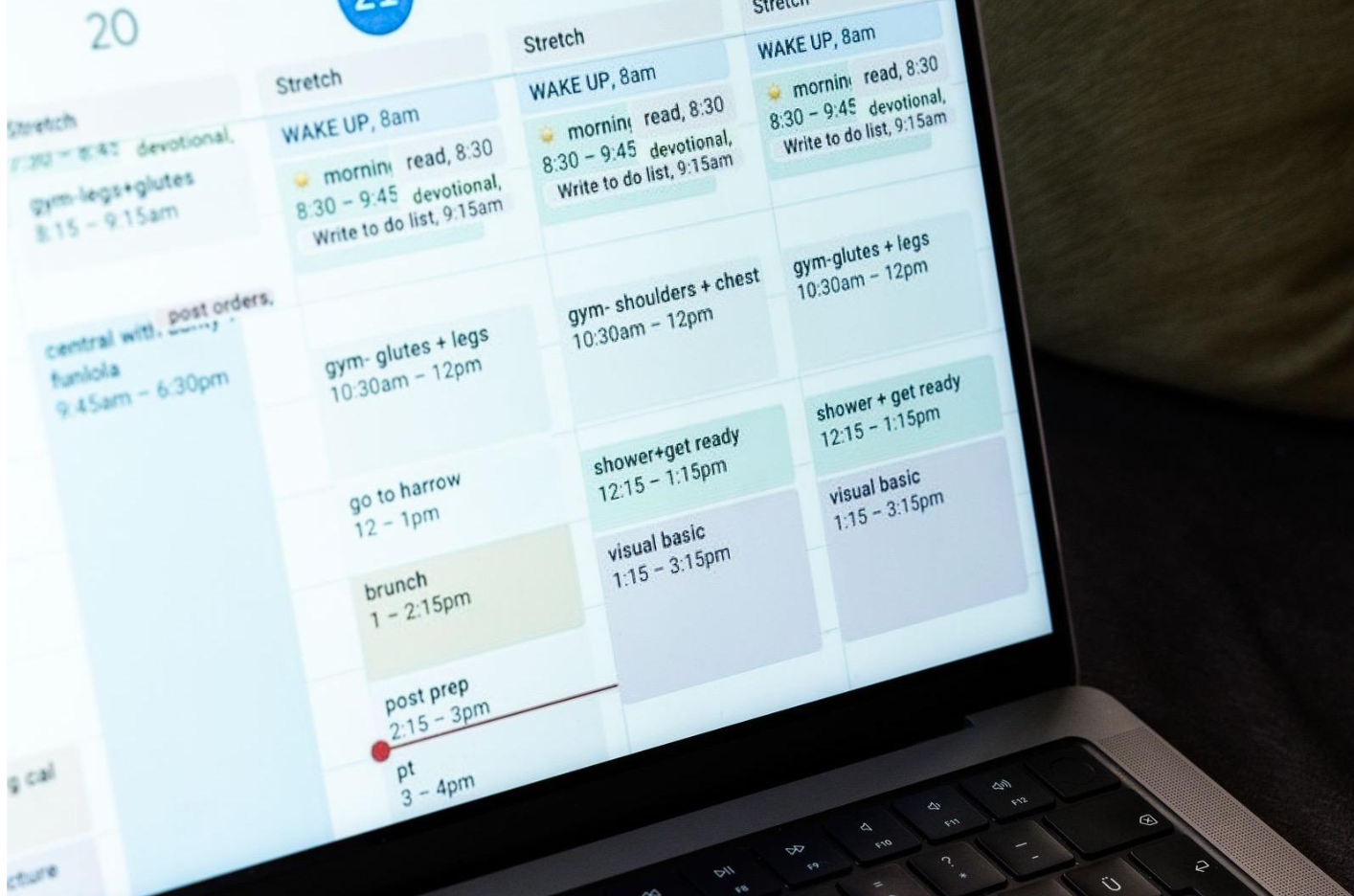
"Does Tuesday work?" "Tuesday's tricky for me, Thursday maybe?" You know this thread. And after it you still have to make a meeting link, send the invite, see if they actually accepted, and chase them when they go quiet. It is small work. It also never stops.
Booking tools kill most of that. Clients grab a free slot straight from your calendar, the video link shows up on its own, and a reminder lands in both inboxes the day before. The feature I would look at first is not the design of the booking page. It is the daily limit. In my experience you rarely lose clients because you answered too slowly. You lose them because you said yes to too much and had to cancel on someone later. A cap on calls per day protects the time you need for the actual work.
If you only offer one kind of call, the booking block in your website builder may be enough. Once you have several call types, or a team, a dedicated tool is worth it.
Invoicing and bookkeeping: get your evenings back
My invoicing started with a Word template. It worked until it didn't: a client wanted a different format, another needed a purchase order number, a third paid in two parts. Receipts were worse. Photos of them sat in random folders on my laptop, and every tax season began with a search.

Moving to proper invoicing and bookkeeping software was the biggest single jump in my setup. Invoices come from a template and go out as a link the client can pay. Late payments get a polite reminder without me writing it. And once the tool is connected to the business bank account, income and expenses sit side by side, always up to date. I can see what I have earned this year in a few seconds, which sounds trivial until you have spent an afternoon rebuilding that number in Excel.
One honest caveat: paper receipts are still a chore. You scan them, you upload them, and no tool I have tried makes that part pleasant. Honestly, just asking shops for an email receipt has helped me more than any app. When you pick software, make sure it gets your local tax rules right and that your accountant can open what it exports. We've put the main options side by side in our guide to the best invoice software for freelancers.
Client management: remember the people you already know
This one surprised me. The clients I lost track of were not new leads. They were people I had worked with years ago, happy clients, who simply dropped off my radar. Nobody sent a reminder, so nobody got in touch.
That's what a CRM (customer relationship management tool) is for, even a really basic one. You keep each person, what you talked about and any quote still open on one page, and it pings you when you haven't been in touch for a while. Freelancers rarely need the sales pipelines built for large teams. My test is simple: can you see in ten seconds when you last spoke to a client and what comes next? If you want a starting point, Fastlancer's guide to the best CRM for solopreneurs looks at options for a one-person setup.
Email marketing: useful for some, optional for others
I will be honest here too. As a designer, I never sent a newsletter. Design work doesn't come with seasonal offers; you are glad when someone books you. If your business looks like that, a short personal note to past clients now and then does more than a campaign.
Plenty of businesses are different, though. Think of a coach announcing new workshop dates, an online shop, a yoga studio selling class packs. For them a little mailing list is about the cheapest way there is to get people buying again. Keep it small at first: a signup box on the site, a welcome mail, and then a send every few weeks that you won't give up on after month two. You usually won't pay anything until your list hits a few hundred people. And make the emails readable for everyone. Sophisticated Cloud has a practical piece on email marketing accessibility that is worth a read before your first send.
Automation: start with what you already repeat
Look at your last month and write down what you did more than twice. For me the list was obvious: filing documents into folders for the tax office, exporting the same reports for my accountant, sending meeting links, following up on invites nobody answered. None of it is hard. All of it adds up.
That list is your automation plan. Hook things up one by one, and don't build automations for a workflow you only imagine having one day. Oh, and leave yourself some wiggle room. Some clients have their own tool rules, and a stack that can plug into theirs saves an awkward conversation. If you are unsure whether you need classic workflow automation or one of the newer AI agents, this comparison of workflow automation vs AI automation explains the difference well.
Security: the part freelancers get wrong most often
Freelancers handle other people's logins constantly: website backends, social accounts, hosting, ad platforms. And most of those passwords travel by chat or email. I have received plenty that way, and I have sent some. The trick of sending the username by email and the password by text message is popular, but it doesn't protect much.
What actually works is a password manager where you can share a vault. Each login gets its own long random password, and you can give a client's access to someone (or take it away again) without the password ever showing up in a chat. Then switch on two-factor login for your email, anything with money, and the site. And back up your data somewhere other than your laptop. Mine died once. That day you learn very quickly what was only stored on it.
If I could only tell you one thing
Keep your tool list short, and pick each one because it's great at one job. Those apps that claim to do everything? In my experience they do most things kind of okay and nothing really well. I'd much rather have five tools I picked on purpose, added whenever a real gap showed up. They're quicker to learn, cost less, and when something better comes out, swapping one is no big deal.
Your website gets people through the door. Whether they come back depends on what's running behind it. And if social media ever stops sending visitors, a site with these systems behind it keeps working, a point Sophisticated Cloud makes well in If Social Media Disappeared Tomorrow, Could People Still Find You?
