
Best Practices for Managing Multiple Social Media Accounts Safely
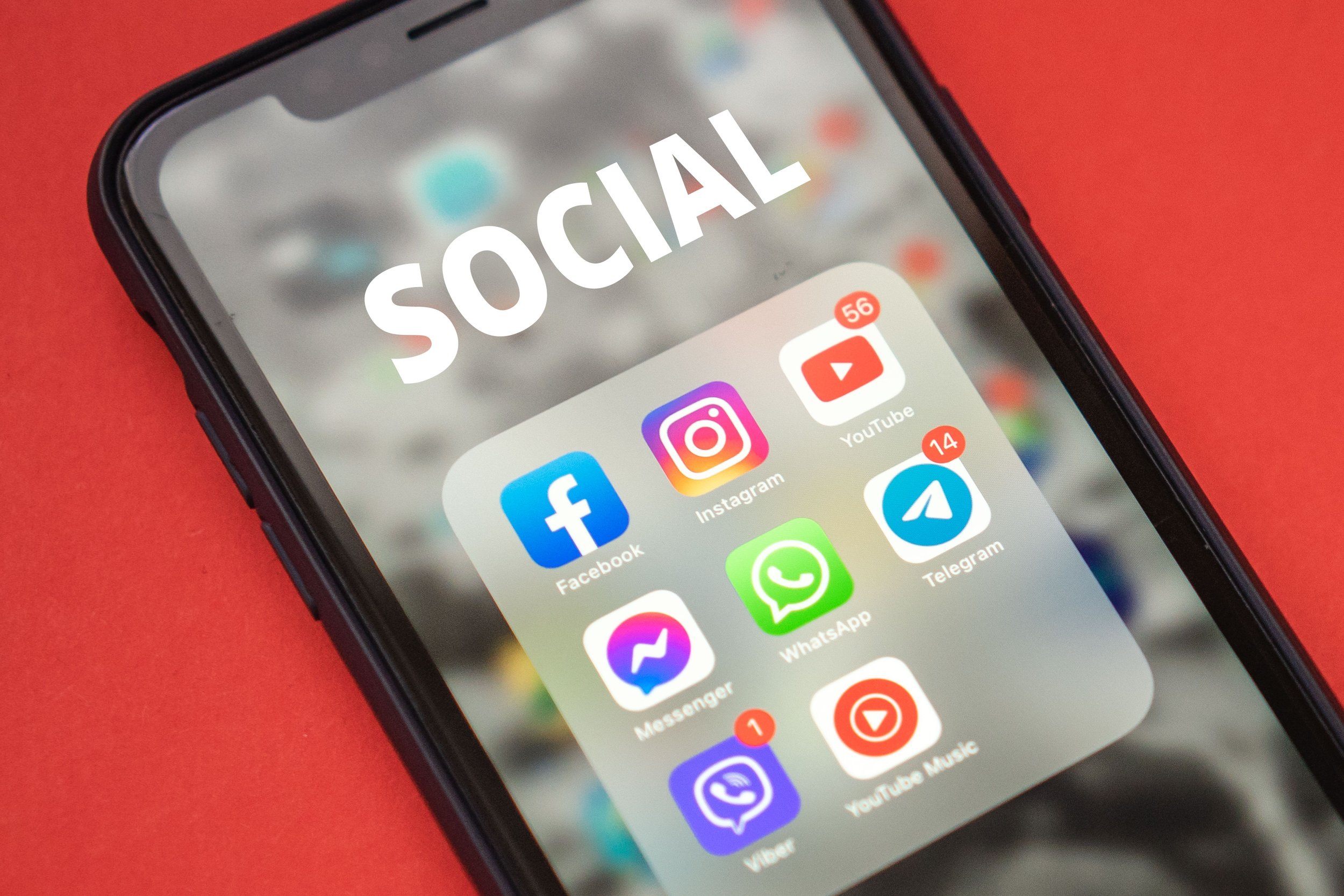
Managing multiple social media accounts is now standard practice for agencies, brand teams, and growth operators.
A social media manager serving six clients can easily be responsible for 20 or more accounts across platforms, and over 10% of agencies have a single account manager handling 15+ clients at once.
What most of them don't account for, however, is how quickly platforms like Instagram, TikTok, and Facebook detect and link accounts sharing the same IP address, device fingerprint, or session data. When one account gets flagged, every account tied to the same infrastructure can follow.
To help you avoid that, this guide covers what actually triggers multi-account bans, how to isolate accounts properly, and what a clean setup looks like in practice, including where Hype Proxies fits as proxy infrastructure built for stable, session-consistent multi-account work.
Why Do Social Media Platforms Flag and Ban Multiple Accounts?
Before getting into best practices, it helps to understand what platforms are actually detecting. Instagram, TikTok, Facebook, and X use a combination of signals to identify linked or suspicious accounts:
IP address overlap: multiple accounts logging in from the same IP
Device fingerprints: shared browser data, cookies, or hardware identifiers
Behavioral patterns: identical posting times, copy-pasted captions, or bot-like engagement sequences
Account velocity: creating or warming up too many accounts too quickly from the same environment
Most teams focus on content and scheduling while the platform is evaluating something else entirely: whether the infrastructure behind the account looks like a real, independent user.
Platforms classify IP addresses by type, and the trust hierarchy follows a clear pattern. Datacenter IPs are the easiest to detect and block, while residential proxies score better because they originate from real home networks. Mobile carrier IPs carry the highest trust of all since platforms cannot selectively block them without affecting legitimate users on the same network.
All of that classification happens before any content or behavior is even reviewed.
How Do You Keep Multiple Social Accounts from Getting Linked?
Account isolation is the most important thing to get right in a multi-account setup, and it's also where most teams cut corners.
The instinct is to create separate logins, but platforms track far more than credentials. Each account needs its own IP address, its own browser environment, and its own session history to look like a genuinely independent user. In practice, that means:
One IP per account. Use residential or ISP proxies on sticky sessions so each account always connects from the same IP. Unlike rotating proxies, sticky sessions maintain a consistent IP throughout each login, which is what platforms expect from real users. A provider like Hype Proxies offers ISP and residential proxies with stable, clean IPs suited for exactly this use case.
Separate browser profiles. Anti-detect browsers like GoLogin or AdsPower give each account its own isolated cookie store, fingerprint, and session data. Without this, even different proxies can't fully prevent linking if the browser fingerprint is shared.
No cross-account activity from the same session. Never log into Account B while Account A's session is still open in the same profile.
A real device per account, not just a browser profile. Multilogin cloud phones run each social account on its own Android device in the cloud, so platforms see a genuinely separate device rather than another profile on the same machine. Multilogin's Free plan has no time limit, so it's worth testing on a few accounts before deciding whether to scale up.
Missing any one of these is usually enough to trigger a review.
What's the Difference Between Rotating and Sticky Proxies for Social Media?
Most guides mention proxies without explaining the type that actually matters for social media work.
Rotating proxies assign a new IP for every connection request, which works well for web scraping and price monitoring where session continuity doesn't matter.
Sticky proxies keep the same IP for the duration of a session. For logged-in social media accounts, sticky sessions are the correct choice. Platforms treat an account that appears from a new IP on every login as a red flag, and rotating proxies trigger exactly that.
The origin of the IP matters just as much as the session type. Detection rates for datacenter IPs on Instagram run between 40–60%, meaning nearly half of those connections get blocked before an account even posts. Residential and ISP proxies are far less likely to trigger automated reviews.
How Should Agencies Structure a Multi-Account Workflow?
Infrastructure keeps accounts from getting banned. What keeps an agency from falling behind on dozens of client accounts is a different matter: who posts what, who has access to which profile, and whether new accounts are set up correctly before anyone touches them.
A structured workflow prevents most of this before it happens:
Content and scheduling: Centralize publishing with tools like Hootsuite, Buffer, or Metricool. Plan 2–4 weeks ahead for campaigns and keep around 20% of the calendar open for reactive content.
Team access: Never share passwords directly. Use role-based access within scheduling platforms and assign team members to specific accounts rather than giving blanket access. Review permissions regularly, especially after team changes.
For agencies managing multiple social media accounts across different platforms, keeping each account in a separate operating environment can make workflows more organized and easier to scale. Cloud phone solutions such as MoreLogin Cloud Phone provide dedicated Android cloud devices for individual accounts, allowing teams to manage mobile apps in isolated environments without relying on shared physical devices.
Warming up new accounts: Fresh accounts that immediately post at high volume get flagged fast. Instagram triggers phone verification within 48 hours for an account connected from a suspicious IP or with an incomplete profile. Start with profile setup, then light engagement, then regular posting, and give each account at least two to three weeks before running paid campaigns.
Monitoring: Set up alerts for unusual login attempts or sudden changes to account settings. Make sure platform security emails go to an actively monitored inbox, not a shared alias no one checks.
Final Thoughts
Most multi-account bans are avoidable, and the fix rarely requires more tools. It requires the right setup from day one: the right proxy type, proper account isolation, and a warmup process done properly.
Agencies that get this right spend less time on damage control and more time on the work that actually grows client accounts. If the infrastructure side is still an open question, Hype Proxies is a good place to start.
