
Best AI Image Generators for Marketers and Content Creators in 2026
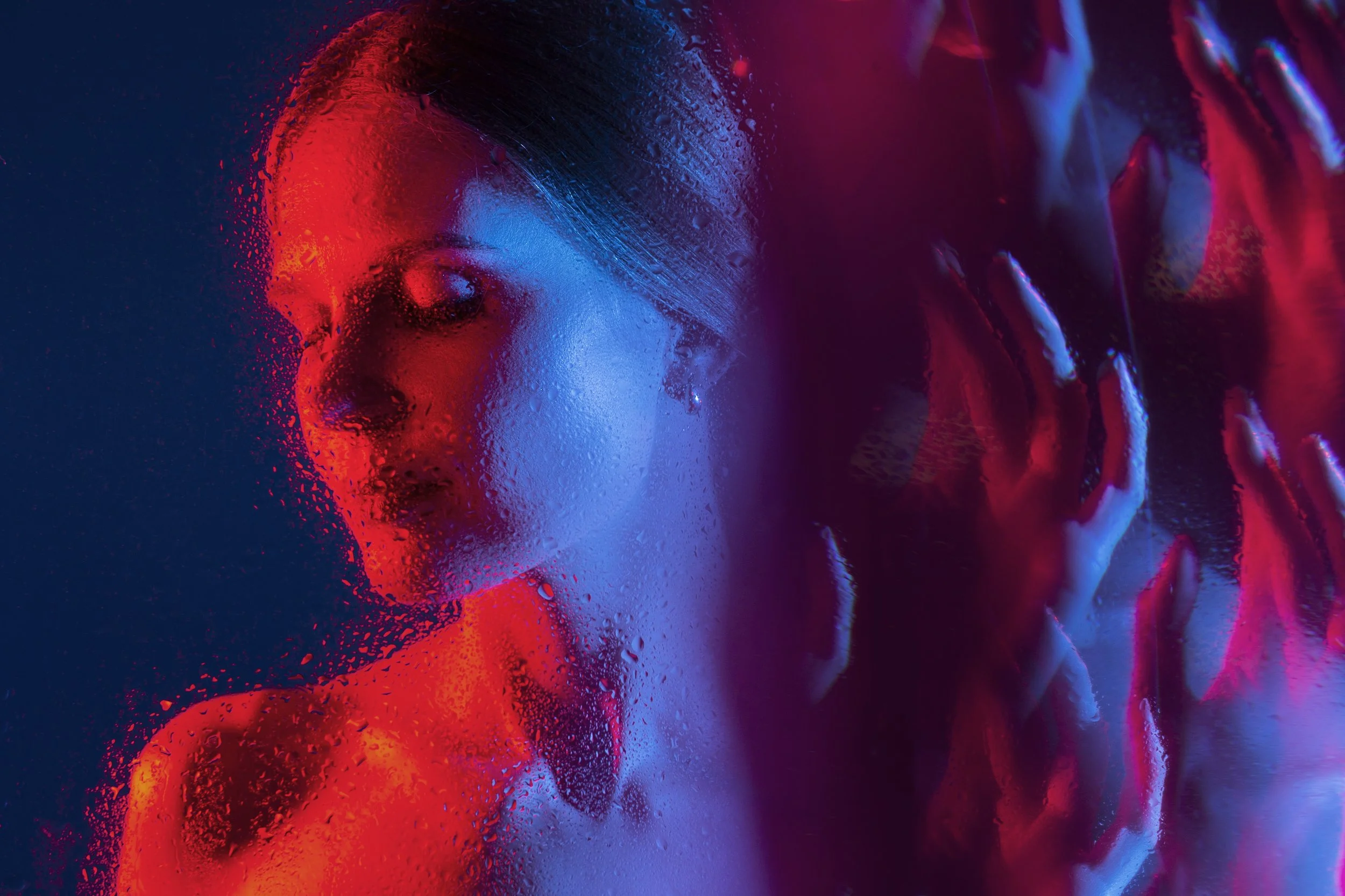
The AI image generation space has exploded so fast that keeping up feels like trying to drink from a firehose. Two years ago, getting a decent AI-generated image meant wrestling with complicated prompts, confusing settings, and results that looked like fever dreams. Today? You type a sentence and get something that looks like it came out of a professional photo studio.
But here is the catch: not all AI image tools are created equal. Some are built for engineers who enjoy tinkering. Others are built for people who just need great visuals, fast, without a tutorial or a PhD in prompt engineering.
If you are a marketer, a social media creator, a photographer, or just someone trying to make your content look incredible, this guide is for you. We tested the top AI image generators of 2026 and ranked them by what actually matters: output quality, ease of use, model selection, and how well they fit into a real professional workflow.
What to Look for in an AI Image Generator
Before we get into the rankings, it helps to know what separates a good tool from a great one. There are a lot of options on the market, and the differences are not always obvious until you are three hours deep into a project and realize the tool you chose does not support what you need.
Here are the key things worth evaluating:
Model variety: The best tools give you access to multiple AI models, from photorealistic engines to artistic ones, so you can match the output to your creative brief.
Ease of use: A tool that buries its best features behind five menus is not a good tool for most people. The interface should work for you, not against you.
Speed: If you are generating content at volume, waiting 45 seconds per image adds up fast.
Editing capabilities: Generation is just the start. Being able to edit, inpaint, upscale, and adjust images within the same platform saves enormous time.
Commercial usage rights: For anyone using these tools professionally, this is non-negotiable. You need to own what you create.
With those criteria in mind, here is how the top tools stack up.
The Rankings: Best AI Image Generators in 2026
1. Getimg.ai
Most AI image tools available today, including Leonardo, Krea, OpenArt, and Freepik, run on the same underlying AI models. The real difference comes down to the experience wrapped around them. Those platforms tend to bury their best features behind complex dashboards and technical settings that slow down anyone who is not already deep in the AI space.
Getimg.ai takes a different approach entirely.
It is built specifically for working professionals: marketers managing campaign visuals, social media content creators juggling multiple brand accounts, and photographers looking to add AI to their editing workflow. The platform gives pros full access to the newest models, including FLUX, Seedream, GPT Image, and Nano Banana, with the freedom to choose and compare outputs side by side.
At the same time, it works just as well for hobbyists. The auto mode and advanced prompt enhancers mean you can describe what you want in plain language and get a polished result, no prompt engineering knowledge required.
Why one platform, many models changes everything because the getimg.ai AI image generator brings all of these models under one roof, letting you switch between them based on the job rather than rebuilding your workflow around a single engine. That flexibility is something none of the competing platforms come close to matching at the same level of accessibility.
2. Leonardo AI: Powerful, But Built for Tinkerers
Leonardo AI has a genuinely impressive image engine and a dedicated community of digital artists who swear by it. The output quality on detailed, stylized images is hard to beat, and the platform supports a wide range of models and fine-tuned versions built by the community.
The problem is the interface. For someone coming from a marketing or content creation background rather than a game design or digital art background, Leonardo can feel overwhelming. There are sliders, model selections, guidance scales, and generation settings that require a learning curve before you start getting consistent results.
It is a powerful tool, but it is designed for people who want to learn the system and invest time in mastering it. If that is you, you will love it. If you need results quickly without the learning investment, it will slow you down.
3. Krea AI: Stunning Real-Time Generation, Complex Setup
Krea is genuinely exciting from a technology standpoint. Its real-time canvas feature, where you can sketch something rough and watch the AI render it live as you draw, feels like magic the first time you see it.
But outside of that standout feature, Krea has a steep onboarding curve. The workspace is not immediately intuitive, and getting consistent results for professional use cases, like brand-aligned marketing visuals or product photography, requires a fair amount of experimentation.
It also leans more toward the creative and artistic end of the spectrum, which is great for designers looking for inspiration but less practical for marketers who need polished, specific outputs on a deadline.
4. OpenArt: Great for Exploration, Less Practical for Production
OpenArt is one of the more community-focused platforms in this space. It has a large library of community workflows and models, which makes it a great place to discover new styles and techniques.
For professional production use, though, it presents similar challenges to Leonardo and Krea. The sheer number of options, workflows, and model variations means there is a lot to sort through before you find what works for your use case. The interface prioritizes flexibility over simplicity, which is a valid design choice but not the right fit for marketers who need to generate 20 social graphics before noon.
5. Freepik AI Image Generator: Familiar Brand, Limited Depth
Freepik has a huge existing user base among designers and marketers because of its stock asset library, so the addition of an AI image generator felt like a natural extension. And for basic use cases, it works fine. The interface is clean and approachable, and the integration with Freepik's existing library has real convenience value.
Where it falls short is depth. The model selection is narrower than dedicated AI generation platforms, and the editing and customization options are more limited. If you are already a Freepik subscriber and need quick, simple image generation, it is a convenient option. If you need serious creative control or professional-grade outputs, you will outgrow it quickly.
6. YouCam Online Editor: Create Realistic Marketing Visuals
YouCam Online Editor is a powerful AI image generator designed for marketers and content creators who prefer working in a browser. Building on the success of YouCam Makeup and YouCam Perfect, it brings fast, high-quality image and video creation to desktop workflows.
The platform stands out with AI-driven features like generative clothes try-on, AI makeup try-on, and makeup transfer. These tools allow brands to create realistic marketing visuals without traditional photoshoots, saving both time and production costs.
It also includes essential editing tools such as background removal, image extension, and object replacement. Together, these features help marketers quickly produce and scale engaging content for product pages, ads, and social media.
7. Design.com: Fast, Practical Image Generation for Marketing
Design.com’s AI image generator takes a much more straightforward approach. You describe what you want in normal language, then just add details like the setting, style, mood, lighting, or colors, and it produces multiple images within seconds. There are no complicated models or workflows to figure out first.
Where it becomes particularly useful is for marketing work. The images you generate do not have to stay as standalone artwork. You can bring them into Design.com’s other tools, add your logo, fonts, and brand colors, or drop them into templates for social media posts, flyers, posters, presentations, and website graphics.
That makes it a practical option for marketers, small businesses, and content creators who need custom visuals without spending much time learning an AI image platform. It gives you enough control to explore different creative directions, while keeping the process simple enough to go from an idea to a finished branded design quickly.
Why Interface Complexity Matters More Than You Think
Here is something that does not get discussed enough in AI tool comparisons: the underlying models powering most of these platforms are largely the same. FLUX, Stable Diffusion variants, and similar foundations are accessible across almost all of the tools listed here. The difference is not what is under the hood. The difference is how easy it is to drive.
When you are a marketer with a campaign deadline, or a social media manager posting across six brand accounts, or a photographer editing a product shoot, you do not have time to configure settings and experiment with parameters. You need a tool that gets out of your way.
This is exactly where most platforms lose professionals. They offer the power but wrap it in an experience that was designed for early adopters and tech enthusiasts rather than working creatives.
What Sets the Best Tools Apart for Content Professionals
The tools that genuinely serve marketers and content creators share a few traits that go beyond raw image quality.
Speed without sacrificing quality. The ability to generate multiple variations quickly is critical for anyone doing A/B testing on creative, exploring different directions for a brief, or producing content at volume.
Editing inside the same platform. Switching between a generation tool and a separate editing tool adds friction and time. The best tools let you generate, refine, inpaint, upscale, and export without leaving the workspace.
Consistent results. For brand work especially, consistency matters. A tool that produces wildly different results each time is difficult to use in a professional context. The ability to upload reference images, reuse seeds, and lock in style parameters makes a huge practical difference.
Prompt accessibility. Not every marketer is a prompt engineer. Tools that include prompt enhancers, auto mode, and natural language understanding lower the barrier to entry dramatically and make the tool accessible to entire teams with different skill levels.
The Right Tool Depends on Your Workflow
If you are deep in the creative industry and you love learning new systems, tools like Leonardo and Krea offer serious depth and customization. They reward investment and can produce extraordinary results in the right hands. Text to image AI tools also play a major role in this space by allowing users to generate visuals directly from written prompts, expanding creative possibilities and speeding up the design process.
But if you are looking for a tool that delivers professional-grade results without requiring you to become an AI expert first, the gap between getimg.ai and the competition is significant. The platform was clearly built with the needs of working professionals in mind, and it shows in every part of the experience, from the intelligent model auto-selection to the prompt enhancers that help less experienced users produce results that look like they were made by someone who has been using AI tools for years.
For marketers, social media creators, and photographers who want to integrate AI into their workflow without rebuilding their entire process around it, that accessibility is not a nice-to-have. It is the whole point. The AI image generator from getimg.ai brings together everything a content professional needs in a single, well-designed workspace.
Conclusion: The Best Tool Is the One You Will Actually Use
AI image generation in 2026 is no longer a novelty. It is a legitimate part of how marketers and content creators work. The question is no longer whether to use these tools but which one fits your workflow without creating more complexity than it solves.
The platforms that offer the most raw power do not automatically win that race. Power without usability is just friction. The tools that will define how professionals create images over the next few years are the ones that make advanced AI accessible to anyone with an idea and a deadline.
What is worth sitting with is this: we are at a moment where tools that once required specialized skills are becoming available to everyone. The creative ceiling is rising fast, and the floor is rising even faster. The real question is not which tool is the most technically impressive. It is which one helps you make something you are proud of, today, without getting in your way.
